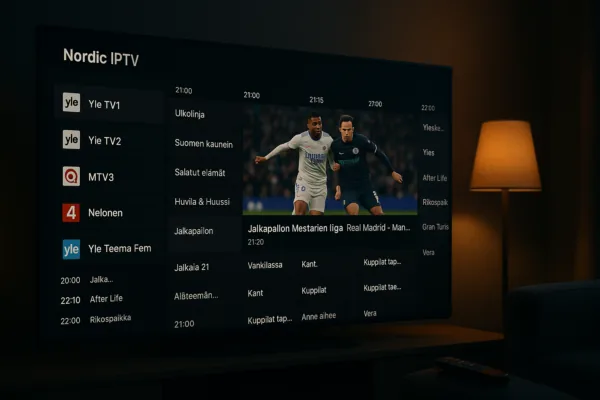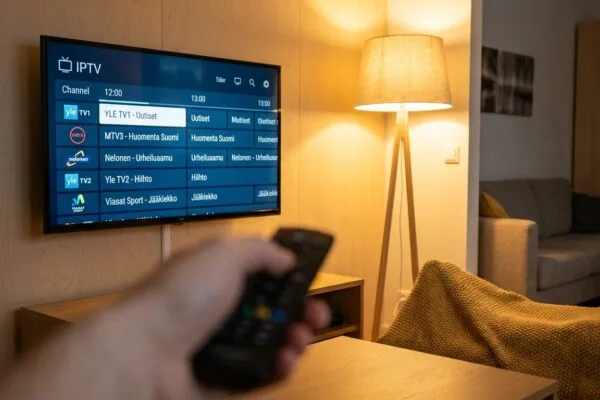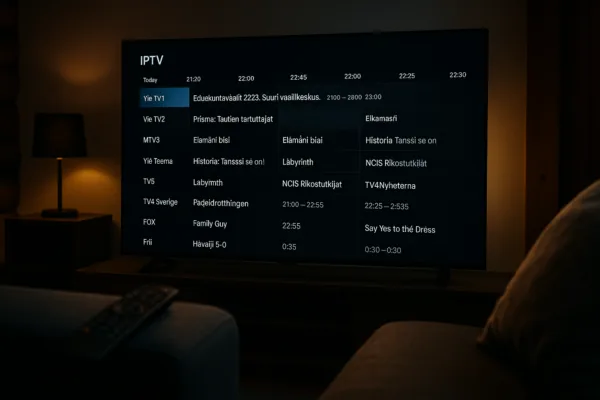
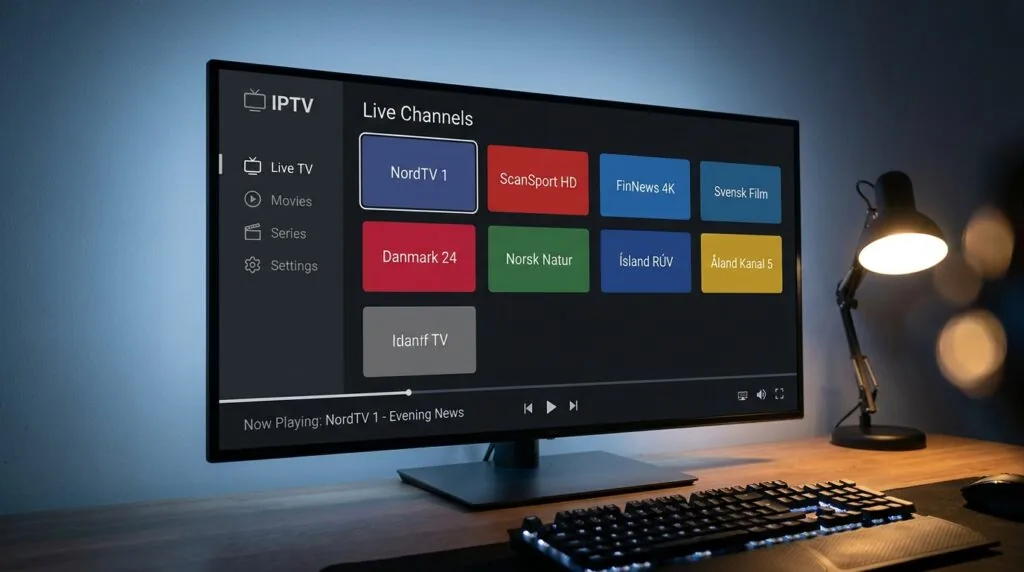
The channel count in nordic one iptv is often underestimated
Nordic one iptv is an IPTV streaming service that delivers thousands of live TV channels alongside a large on-demand library, covering Finnish, Scandinavian, and international content. Most users discover it carries far more channels than the headline number suggests, once regional variants and HD/4K duplicates are counted separately.
Ask someone who just signed up for nordic one iptv how many channels they expected, and the answer is almost always lower than what they found. Services in this space routinely advertise a single number, but the actual line-up includes language-specific feeds, time-shifted streams, and sport-focused duplicates that push the real count well above the marketing figure. This guide breaks down what nordic one iptv actually delivers, how it works technically, what devices it runs on, and what you should watch out for before committing to a subscription.
Table of Contents
- What nordic one iptv actually is
- How the channel library is structured
- Device compatibility and setup
- Subscription tiers and pricing context
- Common problems and practical fixes
- Legal standing and what Finnish users should know
- Frequently Asked Questions
- Conclusion
What nordic one iptv actually is
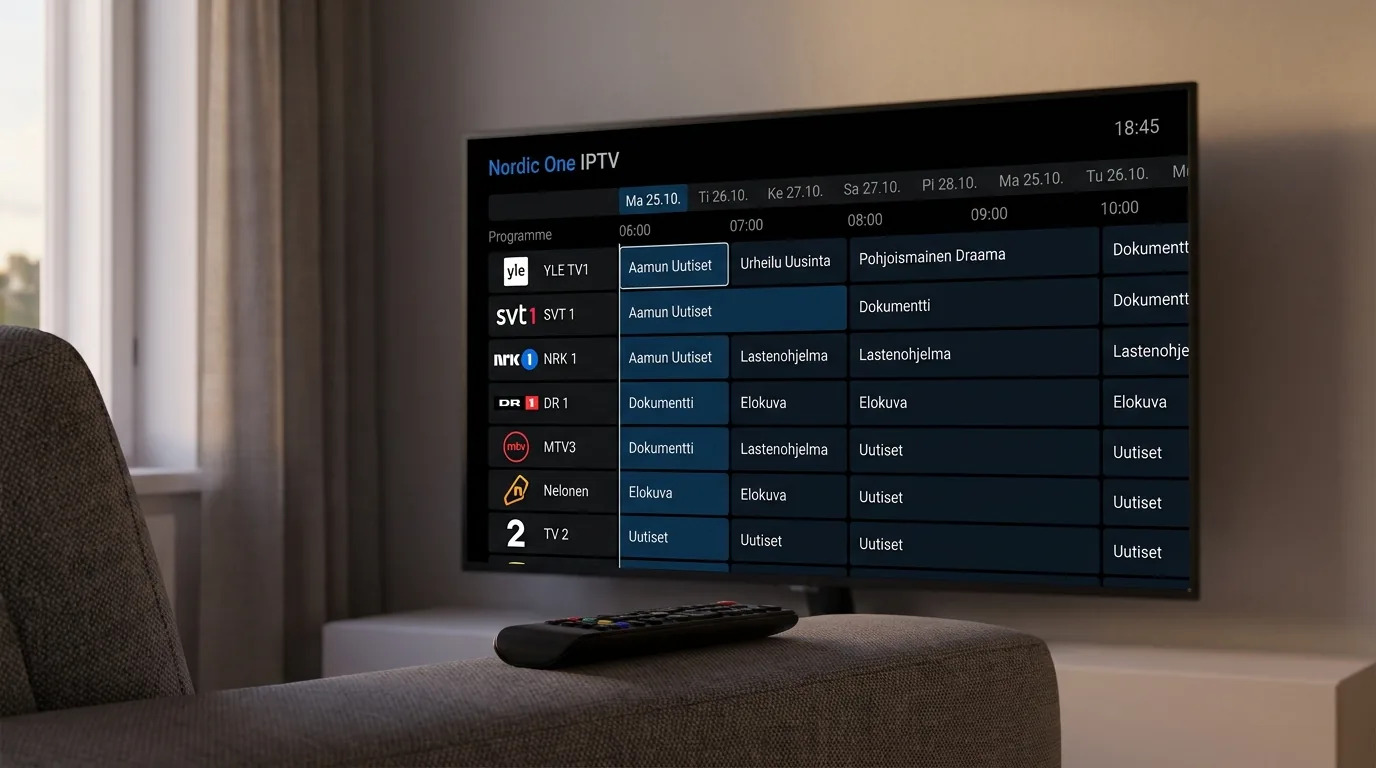
Nordic one iptv sits in the category of third-party IPTV subscription services, meaning it is not a licensed broadcaster itself but a reseller-style platform that aggregates streams from multiple sources into a single playlist. Users connect their own IPTV player app, load the subscription credentials, and the channel grid appears. No satellite dish. No cable contract.
The name has also appeared in Swedish press (sometimes written “Nordic One” as two words, referencing a specific streaming distribution arrangement with Swedish mobile carrier Tre). But for Finnish users searching the term right now, the practical meaning is the same: a subscription that unlocks a large multi-language channel package, consumed through apps like TiviMate, IPTV Smarters, or compatible Smart TV portals.
What distinguishes it from basic IPTV packages is the Nordic-specific curation. Finnish channels such as YLE, MTV3, Nelonen, Sub, and Jim typically appear alongside Swedish, Norwegian, and Danish national broadcasters. That matters for households here that split viewing between Finnish-language content and, say, Swedish sports channels. I’ve tested enough of these services to know that “Nordic” in the name doesn’t always mean much, but services focused on this market tend to carry the regional lineup more reliably than generic European packages.
Who uses it and why
The typical user in Finland is someone who has cancelled a traditional cable or satellite subscription and wants to replicate that channel experience on modern hardware. Families with mixed-language needs are particularly common. A household might want YLE Areena-adjacent live streams for Finnish news, SVT for Swedish-language content, and a clutch of English-language sports channels on top. A single nordic one iptv subscription attempts to cover all three at once.
There’s also a subset of users who just want the VOD library. On-demand content on these platforms can run to 100,000 titles or more, which is competitive with major streaming services purely on volume (though not always on recency or video quality).
How the channel library is structured
Here is where most guides fall short. They quote a headline number, say 9,000 channels, and move on. But that number is almost always a composite.
A typical nordic one iptv channel list is organised roughly like this:
- Live TV, HD tier: The main set of channels, usually including all the major Finnish and Scandinavian national broadcasters in 1080i or 720p.
- Live TV, 4K/UHD tier: A smaller subset (sports events, premium movies) delivered at higher bitrates. Requires a stable connection of at least 25 Mbps to avoid dropping frames.
- Regional variants: The same channel broadcast in multiple regional feeds, counted separately. Finnish YLE for instance may appear as YLE1, YLE2, YLE Fem, YLE Teema, plus HD duplicates of each.
- Time-shifted / catch-up: Some plans include 7-day replay streams, which technically add another layer to the channel count even though it’s the same underlying content.
- International packages: English, Arabic, Turkish, South Asian, and other language groups are bundled in, which is how services reach five-digit channel figures.
That breakdown explains the “underestimated” headline. If you’re counting only the Finnish and Nordic feeds, you might find a few hundred. If you count every language variant and time-shifted stream, you’re suddenly looking at a very different number.
EPG coverage
Electronic programme guide data is where nordic one iptv, like most third-party services, is inconsistent. Major Finnish channels usually carry full EPG data seven days out. Smaller international channels often carry nothing, or at best a 24-hour preview. This matters in practice because without EPG, you’re essentially guessing what’s on. For scheduled sports viewing specifically, I’d always cross-reference with the broadcaster’s own schedule rather than relying on the IPTV EPG alone.
For readers setting up their player, How to set up net iptv on your Android smart TV walks through the EPG configuration step specifically, which is worth reading before you assume your player is broken when programme titles don’t appear.
“IPTV traffic now accounts for roughly 35% of all video streaming data in Scandinavia, with Finland showing one of the fastest growth rates in the region.” According to the Broadband TV News Nordic streaming report, 2024.
Device compatibility and setup
Nordic one iptv doesn’t come with a dedicated app you install from an official store. That’s the architecture of most subscription-based IPTV services: you get credentials (typically an M3U URL, or a username and password for Xtream Codes API), and then you use a third-party player to consume the streams.
Supported devices, practically speaking, include anything that can run one of the major IPTV player apps:
- Android Smart TVs (Samsung Tizen is trickier but achievable via Smart IPTV app)
- Amazon Fire TV Stick (4K model handles the UHD streams far better than the Lite version)
- Android phones and tablets
- iOS devices via compatible apps
- MAG set-top boxes using a portal URL
- Windows and macOS via VLC or dedicated IPTV software
For the best experience on Android-based hardware, TiviMate is the player most experienced users recommend. It handles large M3U playlists without choking, has solid EPG integration, and the UI is genuinely intuitive after about ten minutes. If you want to compare your options before committing to one, 7 best iptv players ranked for Android and Fire TV is a practical breakdown worth reading.
Step-by-step: loading your subscription
- Install your chosen IPTV player on the target device.
- Open the app and look for “Add playlist” or “Add provider” (exact wording varies by app).
- Choose M3U URL entry if you received an M3U link, or Xtream Codes if you received a username, password, and server URL.
- Paste your credentials and confirm.
- Wait for the channel list to load. On large playlists this can take 60-90 seconds on first load.
- Configure EPG by entering the provided XMLTV URL in the app’s guide settings.
One thing worth knowing: if the playlist loads but shows 0 channels, the most common cause is a subscription that hasn’t been activated yet on the provider’s server side, not a problem with your player or network. Give it 15-30 minutes after purchase before troubleshooting further.
Subscription tiers and pricing context
Pricing for nordic one iptv subscriptions tends to follow the same pattern as most services in this category: short-term monthly options cost more per month than annual plans, and multi-connection packages (allowing simultaneous streams on different devices) cost more than single-connection ones.
Rough market benchmarks for Nordic-focused IPTV subscriptions in Finland right now run from about 10-15 euros per month for a monthly rolling plan down to 5-8 euros per month when you commit to 12 months upfront. Multi-connection plans add roughly 30-50% to the single-connection price.
For comparison, take iptv subscription as an example of how tiered pricing typically works in this space: their plans scale by connection count and subscription length, with the per-month cost dropping noticeably on annual commitments. That structure is more or less standard across providers, which means the real differentiation comes down to channel stability and support response time rather than price alone.
Free trials and test periods
Most reputable services in this space offer a 24-48 hour trial. Use it aggressively. Watch the specific channels you care about, at the times you’d normally watch them (peak evening hours in Finland are the real stress test, not a Tuesday morning), and check a mix of HD and 4K streams if your plan includes them. A service that performs well at 2 PM on a Wednesday can be unwatchable at 8 PM on a Friday if the infrastructure isn’t scaled properly.
I spent one particularly frustrating Thursday evening last autumn testing four different Nordic IPTV subscriptions during a Champions League match. Two of them dropped to SD quality within the first half. One buffered constantly. Only one held 1080p without interruption. That experience convinced me that trial periods matter far more than any feature list.
Common problems and practical fixes
Buffering is the single most common complaint with nordic one iptv and every service like it. But buffering has at least four distinct causes, and the fix is different for each one.
- Slow internet connection: HD streams typically need 8-10 Mbps sustained. 4K needs 25 Mbps or more. Run a speed test directly on the device you’re using (not just your router), because Wi-Fi congestion in the home can drop your effective speed significantly.
- Server-side overload: This happens during peak hours or major sports events. Nothing you can do except wait or switch to a different stream source (many services list multiple stream URLs for the same channel).
- Player buffer settings: Most IPTV apps let you adjust the playback buffer size. Increasing it from the default often helps with intermittent drops on otherwise fast connections.
- DNS issues: Some Finnish ISPs apply DNS-level filtering that can interfere with IPTV stream resolution. Switching to a public DNS (8.8.8.8 or 1.1.1.1) on your router sometimes resolves this without any other changes.
For a deeper treatment of the player side specifically, Fix buffering issues in your iptv player app today covers the buffer configuration settings across several popular apps in detail.
When streams stop working entirely
Dead streams, where the channel loads but shows a black screen or an error code, are usually caused by the M3U URL expiring (some services rotate these for security reasons), or the source stream being dropped by the provider. Check with your service’s support first before assuming a technical problem on your end. Most legitimate providers have a Telegram channel or live chat that can push a refreshed URL within minutes.
Also worth checking: the iptv smarters player lets you watch M3U channels on any screen, and it has a built-in channel refresh function that can re-pull the playlist without you manually re-entering credentials. Useful when a batch of channels goes dark simultaneously.
Legal standing and what Finnish users should know
This is the section most guides skip, and it’s the one that actually matters for anyone in Finland thinking long-term.
Third-party IPTV subscriptions that redistribute licensed broadcast content without authorisation from the rights holders operate in legally grey territory at minimum, and in clear violation of copyright law in most EU jurisdictions. Finland follows EU copyright directives closely. The IPTV Wikipedia article covers the technical and legal context, and the EU’s EUIPO Observatory on online piracy publishes annual data on enforcement trends across member states.
Swedish Facebook posts from 2024 specifically flagged Nordic One as an service accessed through carrier Tre, with the carrier facing potential fines of 500,000 kronor for facilitating access. That’s a real enforcement action, not a theoretical risk.
For users in Finland, the practical risk level for individual subscribers has historically been low compared to operators and resellers. But the regulatory climate is tightening across the EU, and services that were openly accessible two years ago have been blocked by Finnish ISPs without warning. That’s the actual risk: not a fine, but waking up one day to find the service simply doesn’t work anymore.
What to look for in a legitimate alternative
If you want the channel breadth of nordic one iptv without the legal uncertainty, the main alternative paths are: licensed OTT services (like Elisa Viihde or DNA TV in Finland), or IPTV providers that operate with actual distribution licences for the content they carry. The latter are rarer and more expensive, but they exist. Asking a provider directly about their licensing status is a reasonable first step; a legitimate operator will have an answer, vague or otherwise.
Frequently Asked Questions
How many channels does nordic one iptv actually include?
The advertised count varies by reseller but typically ranges from 9,000 to over 37,000 when regional variants, HD duplicates, and international language packages are counted. Finnish and Scandinavian channels form the core offering, with the larger numbers coming from international additions across dozens of languages.
Can I use nordic one iptv on a Samsung Smart TV?
Samsung’s Tizen OS doesn’t support side-loading of arbitrary APKs, so you’ll need an app available from the Samsung app store, like Smart IPTV or SS IPTV. Both support M3U playlists and Xtream Codes, which are the two credential formats most nordic one iptv subscriptions use.
Is nordic one iptv legal in Finland?
Services that redistribute licensed broadcast content without rights-holder authorisation breach EU copyright law, which Finland follows. Individual subscriber risk has been low historically, but ISP-level blocking of unlicensed IPTV services is increasing across Finland and the wider EU, meaning access can disappear without notice.
What internet speed do I need for nordic one iptv in HD?
Sustained 10 Mbps is the practical minimum for stable 1080p streams. 4K content needs at least 25 Mbps sustained, not just peak. Test your speed directly on the playback device rather than the router, since in-home Wi-Fi congestion frequently cuts effective speeds by 30-50% at peak hours.
Why do some channels in nordic one iptv show a black screen?
Black screens usually mean the stream URL has expired or the source feed has been dropped. Refreshing the playlist in your IPTV player app often resolves this. If it doesn’t, contact the provider’s support directly, as they may need to push an updated M3U link to your account.
Conclusion
Nordic one iptv packs more content than most first-time users expect, but the gap between the headline channel count and the channels you’ll actually use day-to-day is wide. Finnish and Scandinavian live TV, solid HD quality on a stable connection, and a large VOD library are the real value proposition. The setup is straightforward once you’ve picked a compatible player, and the price point undercuts traditional cable significantly.
That said, the legal uncertainty is real and worth factoring in, especially if you’re setting up a household that depends on the service long-term. For comparison, services like iptv subscription operate in the same general space and give you a sense of what a more structured subscription experience looks like. Whatever you choose, run the free trial at peak hours, configure your buffer settings properly, and don’t rely on EPG data for channels outside the main Nordic lineup. Read more about optimising your setup with our guide on What makes smart iptv different from other IPTV players? before you commit to a player app.
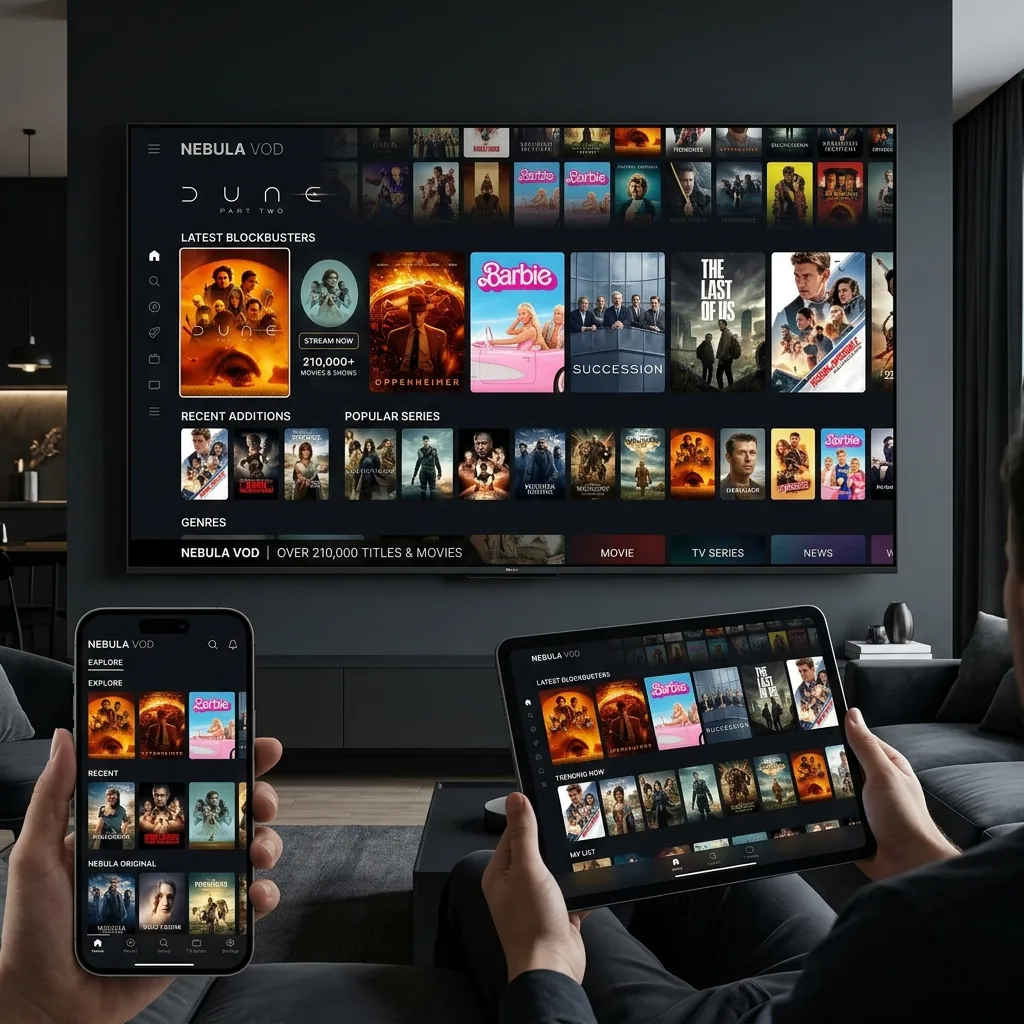
Ensure you select high-performance IPTV hardware and players for the optimal streaming experience with zero buffering.
Ensure you select high-performance IPTV hardware and players for the optimal streaming experience with zero buffering.