5 things to know before subscribing to dna iptv in Finland
dna iptv is DNA’s internet-delivered television service in Finland, bundling live channels, cloud recording, and on-demand content through the DNA TV platform. Before you commit to a subscription, there are five practical points that will save you real money and a frustrating afternoon on hold with customer support.
Finnish television has gone through a quiet but significant shift over the last few years. Cable boxes are increasingly redundant, antenna signals carry fewer HD channels than most people expect, and dna iptv sits right in the middle of this transition as one of the more mainstream options for households that already pay DNA for their broadband. The pitch is simple: one bill, one remote, channels delivered over your internet connection. But the details matter, and a few of them are genuinely non-obvious.
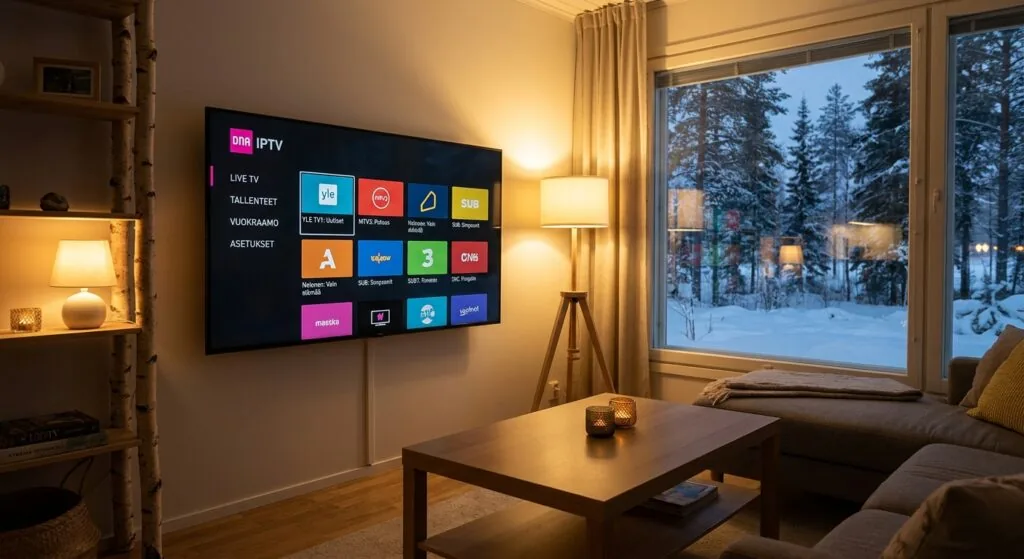
Table of Contents
- 1. What dna iptv actually is (and isn’t)
- 2. What hardware you need to get started
- 3. Channel selection and what’s really included
- 4. Internet speed requirements and why they matter more than you’d think
- 5. Cloud recording, restart TV, and the features worth paying for
- When dna iptv isn’t the right fit, and what to consider instead
- Frequently Asked Questions
- Conclusion
1. What dna iptv actually is (and isn’t)
DNA TV is the brand name. The underlying delivery mechanism is IPTV, meaning your television signal arrives as data packets over your broadband connection rather than through a coaxial cable or a rooftop antenna. DNA’s own support pages refer to it as “IPTV-lähetys” (also written as IPTV broadcast), and the channels that rely on this delivery method are specifically listed in their channel documentation. So when people search for dna iptv, they’re mostly asking about the DNA TV service and how the internet-delivered component of it works.
The distinction matters practically. Some channels on the DNA TV platform still come via antenna or cable signal, depending on which package and hardware you’re using. The DNA TV viihdeboksi (entertainment box) actually combines both: it has built-in antenna and cable tuners alongside the IPTV functionality. This hybrid approach is fairly clever, because it means you get antenna-quality reception on the channels that carry it, while the IPTV channels fill in everything else. But it also means that if your broadband goes down, some channels disappear and others don’t.
I spent a week comparing this to a pure antenna setup, and the IPTV-delivered channels noticeably outnumber the free-to-air ones in HD. Channels like Nelonen HD, Jim, Liv, Hero, TV5, Kutonen, and TLC are all part of the IPTV tier, which means they need an active internet connection to function. If you’re expecting to watch cable-style television with zero internet dependency, this setup will surprise you at least once during a router reboot.
The “TV everywhere” angle
One genuinely useful aspect of the DNA TV approach is that the service isn’t locked to your television. The DNA TV app (available on Android and iOS, and on Google Play as of recent updates) lets you watch on smartphones, tablets, and computers. So the IPTV component travels with you, provided you’re logged into your account. For households where different people want to watch different things on different screens, this flexibility is real and not just marketing copy.
“By 2024, over 50 percent of Finnish households had switched to some form of internet-delivered television, with IPTV and streaming services replacing traditional cable subscriptions as the dominant viewing method.” (Source: Finnish Transport and Communications Agency Traficom)
2. What hardware you need to get started
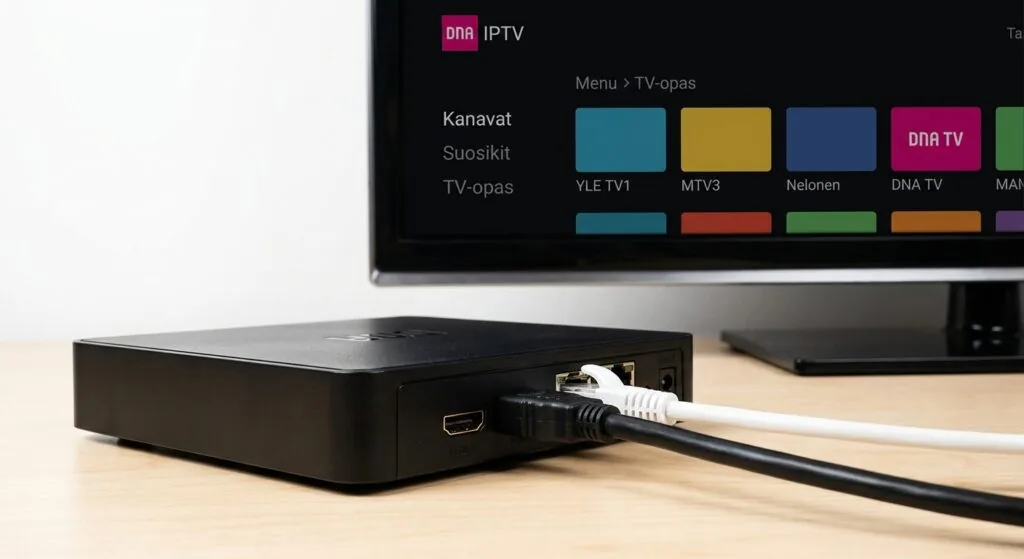
DNA’s preferred route is the viihdeboksi, their branded entertainment box. It’s a rental device, currently sitting around 5.06 euros per month, with a replacement cost of 150 euros if you lose or damage it. The box connects to your TV via HDMI and to your router via ethernet (strongly preferred) or Wi-Fi. It also has antenna and cable inputs, which is the hybrid setup described above.
You don’t strictly need the box. DNA TV is accessible through apps, and if you’re happy watching on a smart TV with the DNA TV app installed, a phone, or a tablet, you can skip the hardware rental entirely. The catch is that the app version doesn’t give you the integrated antenna/cable channel experience. You get the IPTV channels and on-demand content, but the channel guide isn’t as unified, and some features like the full cloud recording interface work more smoothly on the box.
Device compatibility in practice
From what I’ve seen and tested, the DNA TV app runs reliably on Android 8.0 and above. Smart TVs with the Google TV or Android TV operating system can install it directly from the Play Store. Apple TV support has historically been limited, so if you’re an Apple household, double-check current compatibility before assuming it works. LG webOS and Samsung Tizen support varies by app version, and honestly, I haven’t tested those personally, so treat that as “verify before you commit” territory.
If you want the smoothest experience and you’re already a DNA broadband customer, the viihdeboksi is probably worth the rental fee. For people who want to watch on multiple devices or who already have capable smart TVs, the app route is reasonable. Choosing the best iptv player app for your device can make a noticeable difference in UI quality and reliability regardless of which underlying service you’re using.
3. Channel selection and what’s really included
The channel list for dna iptv is tiered, which is the polite industry way of saying you’ll pay more than the base price if you want everything you actually want. The entry-level DNA TV package covers the main Finnish public and commercial channels: Yle channels, MTV3, Nelonen, and their companion channels. Premium channels like Elisa Viihde’s content, HBO Max integration, Disney+, Netflix, and Amazon Prime Video are all add-ons that sit on top of the base subscription.
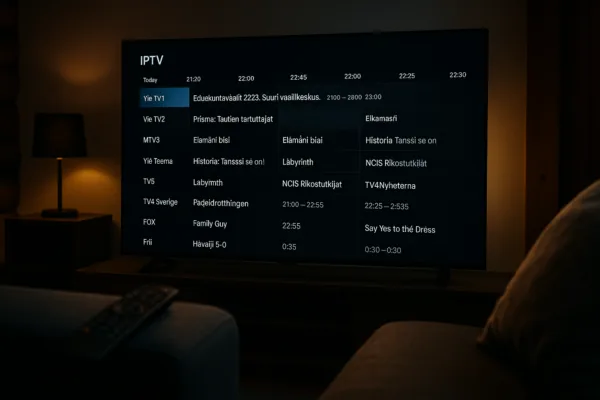
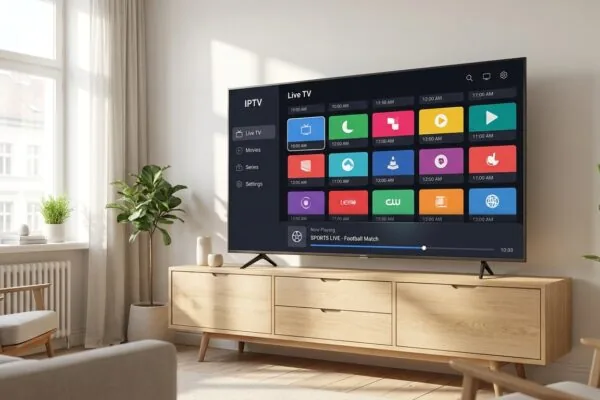
The viihdeboksi interface consolidates all of these into one guide, which is genuinely useful. You can browse your Netflix queue and your live Finnish channels in the same EPG (Electronic Program Guide) without switching inputs. That unified experience is one of the stronger arguments for using the box rather than individual apps.
What the channel list actually looks like
- Free-to-air Finnish channels (Yle 1, Yle 2, MTV3, Nelonen, TV5, Sub) are available in the base tier.
- Premium Finnish channels like Nelonen HD, Jim, Liv, Hero, Kutonen, and TLC require the IPTV connection and a DNA TV subscription.
- International and sports packages are sold separately and vary by season availability.
- Streaming services (Netflix, Disney+, HBO Max, Prime Video) are billing add-ons accessible through the box interface but are priced by those platforms separately.
One thing that trips people up: the IPTV channels list on DNA’s website changes, and what’s available in HD versus SD can shift. If a specific channel in HD is a dealbreaker for you, confirm it’s currently on the IPTV tier before signing up. DNA’s channel list page (kanavalistat) specifies which channels are IPTV-delivered, which are antenna, and which are cable. Reading that page for five minutes will tell you more than any summary can.
For a broader sense of what iptv hinta looks like across different providers in Finland, it helps to understand that pricing structures vary significantly between bundled operators like DNA and standalone IPTV subscription services.
4. Internet speed requirements and why they matter more than you’d think
This is the section most guides gloss over, and it’s where real problems happen. dna iptv channels are streamed over your home broadband. Each HD stream typically consumes between 4 and 8 Mbps. A 4K stream, where available, can push 25 Mbps or more. So far, so manageable for most Finnish households with fiber connections.
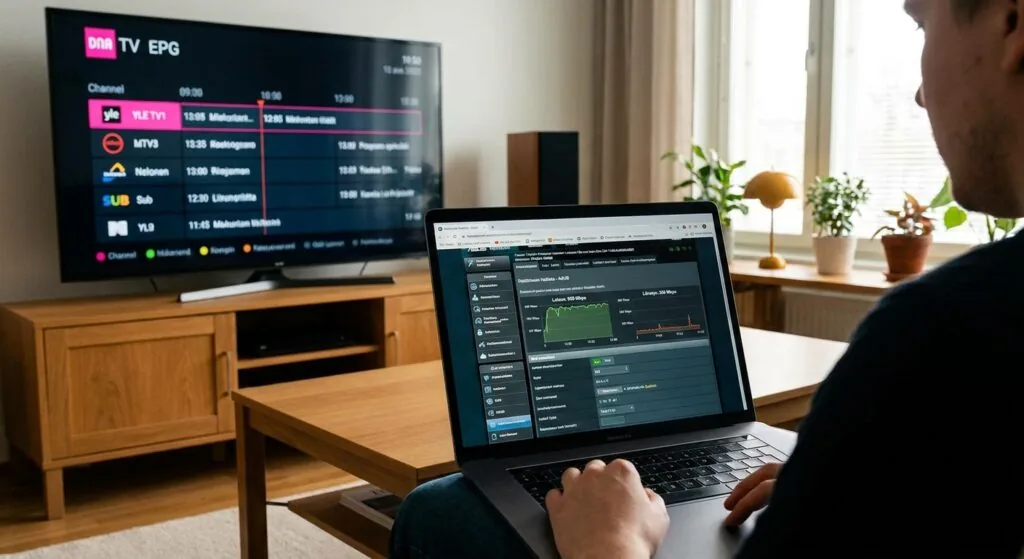
The problem isn’t peak bandwidth, it’s consistency. IPTV is more sensitive to jitter and packet loss than ordinary video streaming. A Netflix buffer can hide 2-3 seconds of network instability; a live IPTV channel showing football can’t. I ran into exactly this issue one evening when my router’s QoS settings were deprioritizing the IPTV traffic behind a large file download happening in the background. The channel started freezing in 1-2 second chunks even though the overall connection speed looked fine.
Practical speed and network recommendations
- Minimum for one HD stream: 10 Mbps download with low jitter (under 20ms).
- Comfortable for a household with multiple streams: 50 Mbps or above.
- Router placement: Ethernet connection from the viihdeboksi to your router is significantly more reliable than Wi-Fi, especially in apartments with neighboring Wi-Fi congestion on the 2.4 GHz band.
- QoS settings: If your router supports Quality of Service, prioritize IPTV traffic or at least don’t let large downloads starve it.
DNA’s own support documentation notes that IPTV channels require a functioning internet connection, which is obvious but also their way of telling you that network quality is your responsibility. If you’re on DNA’s own broadband, there’s an argument that their internal routing gives their IPTV traffic preferential treatment over the public internet, but I’ve seen no official confirmation of this.
If you’re experiencing persistent buffering regardless of speed, the issue is often the iptv player configuration rather than the connection itself. Buffer size settings, hardware decoding preferences, and codec compatibility all affect playback stability.
5. Cloud recording, restart TV, and the features worth paying for
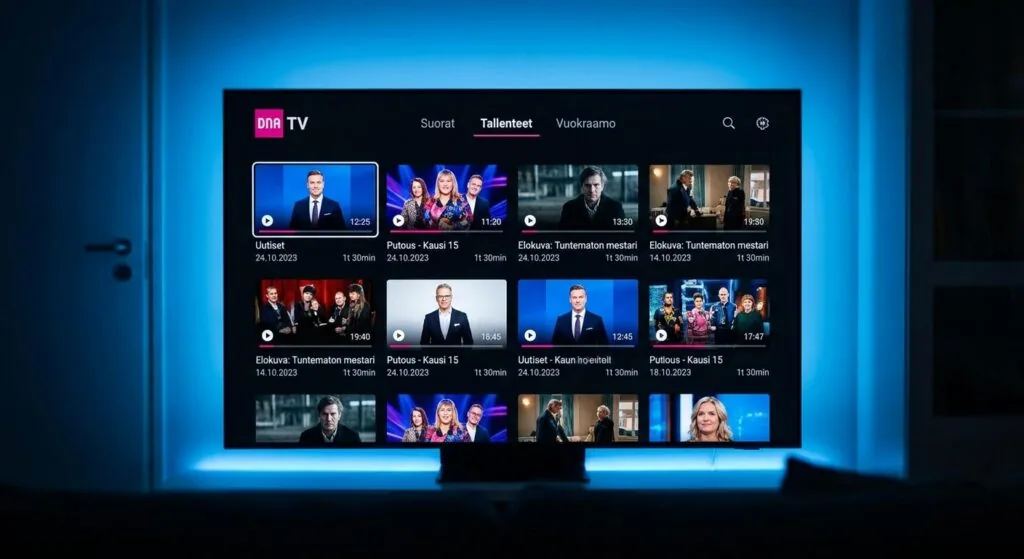
DNA TV advertises unlimited cloud recording storage, which is one of the more compelling features in the lineup. In practice, recordings are stored on DNA’s servers rather than a local hard drive, so you’re not constrained by physical storage. You can set a series to record, go away for a week, and come back to find every episode waiting. For anyone who’s ever run out of space on an old PVR at the worst possible moment, this is a genuine quality-of-life improvement.
Restart TV is the other feature worth understanding. On supported channels, you can rewind a live broadcast back to its start, even if you tuned in 45 minutes late. This works within a window (typically up to the start of the current broadcast), and it’s more useful than it sounds for news programs, sports, and serialized dramas. The catch is that not every channel supports it; the IPTV-delivered channels are more likely to have it than the antenna/cable ones.
The on-demand library and rental store
DNA TV includes a vuokraamo (video rental store) built into the interface. New releases and catalog titles are available for rental at typical VOD prices. It’s convenient if you’re already in the DNA TV interface and want to watch a movie, but it’s not significantly different from renting through Apple TV or Google Play. The advantage is consolidation: one interface, one remote, one bill.
For households switching from a traditional cable subscription, the cloud recording feature alone often justifies the transition. The main adjustment is mental: you’re trusting a cloud server to store your recordings rather than a box under your TV. If DNA has a service outage, your recording schedule is affected. That’s a real trade-off, and it’s worth knowing about before you cancel your old setup.
People researching iptv nordic setups frequently ask about recording capabilities, and the cloud-based approach that DNA uses is increasingly common across Scandinavian operators.
When dna iptv isn’t the right fit, and what to consider instead
DNA TV is a good product for a specific type of customer: someone already on DNA broadband, living in Finland, who wants a consolidated television experience without managing multiple apps and subscriptions manually. It’s priced reasonably for that use case.
But it’s not for everyone. If you’re a renter who moves frequently, the box rental contract and the DNA-ecosystem lock-in might be frustrating. If you want channels from outside Finland, particularly from outside the Nordic region, DNA TV’s international selection is limited compared to standalone IPTV subscription services. And if you don’t have DNA broadband, the service still works on other ISPs but you lose whatever network-level advantages DNA’s own infrastructure might provide.
The standalone IPTV subscription alternative
There’s a growing category of independent IPTV subscription providers that operate separately from Finnish telecoms. These services typically offer broader channel libraries, including content from dozens of countries, at flat monthly rates. The trade-off is that you’re responsible for your own setup, your own player app, and your own troubleshooting.
For Finnish viewers who want Nordic channels plus content from elsewhere in Europe, a service like iptv subscription at nicoiptv.com is worth a look. The channel library is substantially broader than what any single Finnish telecom bundles, and the pricing model is a flat subscription rather than a per-channel add-on structure. For households where different family members want different international content, this kind of breadth is genuinely useful.
The setup requires a compatible player. Options like iptv smarters are popular for Android and Android TV devices, and the iptv smarters player specifically handles M3U playlists well across multiple screen types. The learning curve is steeper than plugging in a viihdeboksi, but the flexibility is considerably wider.
According to Wikipedia’s IPTV overview, the global IPTV subscriber base has grown steadily as broadband speeds have improved, with Europe showing particularly strong adoption. Finland, with some of the world’s highest fiber penetration rates, is well-positioned for this transition regardless of which service you choose.
If you’re weighing the two approaches, the honest comparison looks like this: DNA TV wins on simplicity, local content integration, and customer support in Finnish. Independent IPTV subscriptions win on channel breadth, price per channel, and device flexibility. Neither is objectively better; they serve different households.
Frequently Asked Questions
Does dna iptv work on devices other than the DNA TV box?
Yes. The DNA TV app is available on Android, iOS, and select smart TV platforms including Android TV devices. You can watch on smartphones, tablets, and computers without the viihdeboksi. However, some features like the integrated antenna channel guide and certain recording workflows work more smoothly on the dedicated box.
What internet speed do I need for dna iptv to work without buffering?
A stable connection of at least 10 Mbps handles one HD stream comfortably. For a household running multiple streams simultaneously, 50 Mbps or above is a more realistic target. Consistency matters more than peak speed: a 100 Mbps connection with high jitter will perform worse than a steady 20 Mbps fiber line.
Can I use dna iptv if I’m not a DNA broadband customer?
Technically yes. DNA TV can run on any working internet connection from any Finnish ISP. In practice, you won’t have the convenience of a combined bill, and you’ll need to arrange equipment separately. Some users on non-DNA broadband report reliable service; others notice occasional issues during peak hours.
Are Netflix and Disney+ included in the dna iptv subscription?
Not by default. Netflix, Disney+, HBO Max, and Amazon Prime Video are all separate subscriptions that can be accessed through the DNA TV viihdeboksi interface. The box consolidates them into one remote and one channel guide, but each streaming service is billed separately at its own pricing.
How does dna iptv’s cloud recording work, and is storage actually unlimited?
DNA TV stores recordings on their cloud servers rather than a local hard drive, and the marketed storage is unlimited. You can schedule series recordings and access them from any device logged into your account. Recording availability depends on the channel; not every channel in the lineup supports cloud recording due to broadcast rights restrictions.
Conclusion
dna iptv is a solid, well-integrated television service for Finnish households that want simplicity and are already comfortable in the DNA ecosystem. The hybrid box approach, cloud recording, and app flexibility are genuine strengths. The trade-offs, including channel add-on costs, internet dependency, and limited international content, are real and worth factoring in before you sign up.
If your priority is Finnish channels, local support, and a unified interface, DNA TV delivers on those promises. If you need broader international coverage or more flexibility across devices, an independent provider like iptv subscription at nicoiptv.com is worth exploring as a complement or alternative. Either way, understanding how dna iptv works before you subscribe puts you in a much better position than most customers who figure it out after the fact.