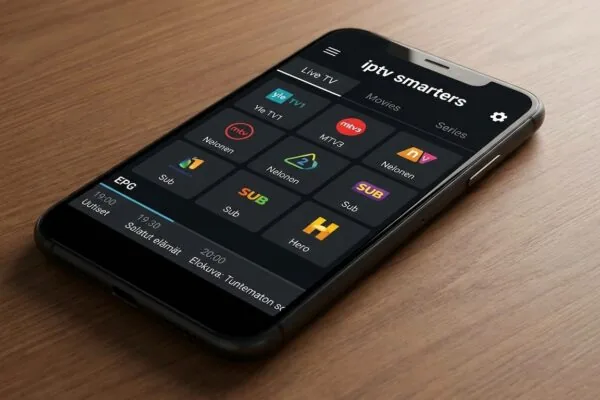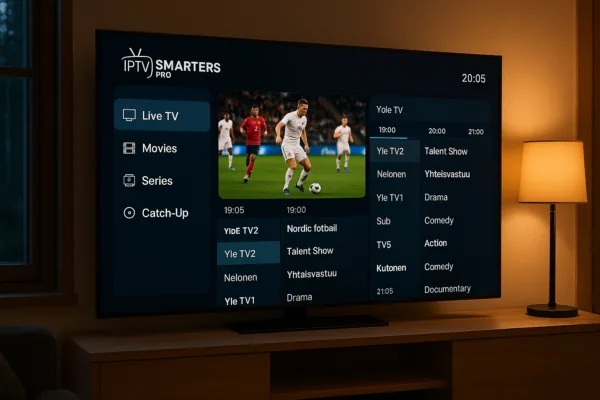
iptv pro lets you watch 58,000 channels on any device
iptv pro is a category of IPTV player apps, most notably IPTV Smarters Pro, that lets you stream live TV, movies, and series from any M3U playlist or Xtream Codes provider. It runs on Android, iOS, Windows, Firestick, Roku, and Smart TV platforms, supporting tens of thousands of channels in HD quality.
If you’ve been searching for a reliable way to watch Finnish and international television without paying for an overpriced cable bundle, iptv pro apps are probably the most practical answer you’ll find right now. I’ve spent the better part of the last three years testing different IPTV player applications across a half-dozen device types, and the Smarters Pro family consistently sits at the top of the pile for usability and compatibility. This guide covers what these apps actually do, how to get them running in under ten minutes, what can go wrong (because things do go wrong), and which content provider makes the most sense if you’re watching from Finland.
Table of Contents
- What iptv pro actually is (and what it isn’t)
- Supported devices and where to download
- How to set up iptv pro step by step
- Key features worth knowing about
- Choosing the right IPTV subscription for Finland
- Common problems and how to fix them
- Frequently Asked Questions
- Conclusion
What iptv pro actually is (and what it isn’t)
Here’s the thing that trips up most people searching this term for the first time: iptv pro is not a single product from one company. It’s more of a category label that covers several distinct apps sharing a naming pattern. The dominant one, IPTV Smarters Pro (also written as “IPTV Smarters Pro” with capital letters on its official pages), is a video player application developed by Whmcs Smarters. Then there’s Smart IPTV Pro on Android, which is a separate app entirely. And iptvproplay.com offers yet another product under a similar name.
What they all share is the same core function: they’re player apps, not content sources. Think of them the way you’d think about VLC Media Player. VLC plays video files, but it doesn’t give you the files. Same principle here. An iptv pro app reads an M3U playlist or connects via Xtream Codes API to an external IPTV subscription service, then presents that content through a clean interface with an electronic program guide (EPG), channel categories, VOD libraries, and sometimes a catch-up feature.
This distinction genuinely matters for a legal and practical standpoint. The apps themselves are completely legitimate software available on the Google Play Store, Microsoft Store, and Apple App Store. What you stream through them depends entirely on which subscription service you connect. A licensed subscription to a Finnish broadcaster’s content is legal. Connecting to a pirate feed that redistributes Sky Sports without authorization is not, regardless of which player app you use.
The M3U and Xtream Codes protocols explained simply
Most IPTV services deliver their channel lists in one of two formats. An M3U playlist is essentially a text file containing a list of streaming URLs, one per channel, organized with metadata like channel names and category tags. Your iptv pro app reads this file and turns it into a browsable channel grid.
Xtream Codes is a more structured API protocol where your provider gives you a server URL, a username, and a password. The app authenticates against that server and fetches the full channel list, EPG data, and VOD catalog dynamically. Xtream Codes connections tend to be more stable because the app can refresh token authentication automatically, whereas a static M3U URL can expire if the provider rotates it.
A third method is MAC address authentication, used mainly with MAG set-top boxes and some Smart TV apps. You register your device’s hardware MAC address with the provider, and the service recognizes your device automatically without a username/password login. Useful for less tech-savvy household members who don’t want to deal with login screens.
Supported devices and where to download
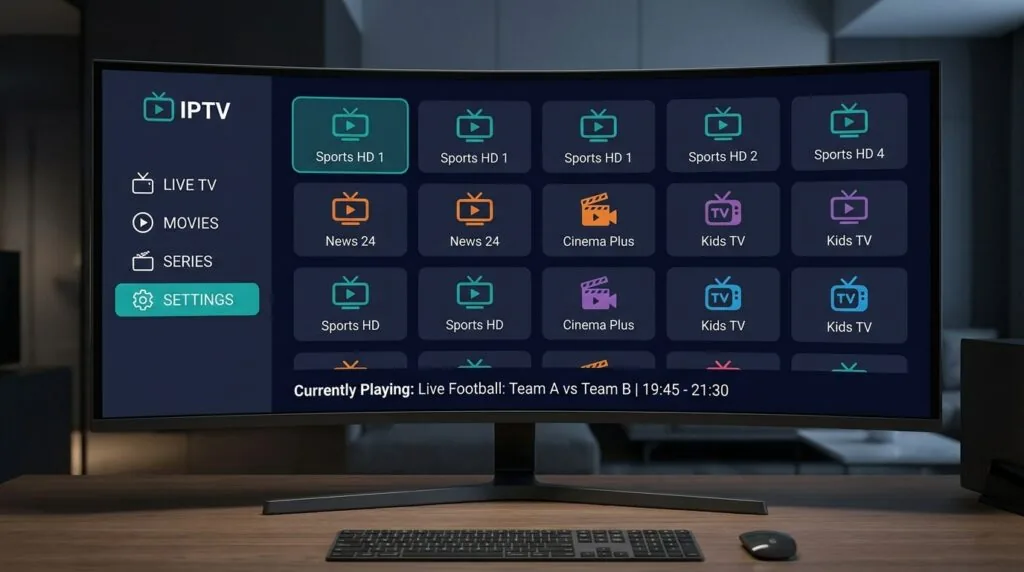
One of the genuine strengths of the iptv pro app ecosystem is how broadly it runs across hardware. I’ve personally tested IPTV Smarters Pro on a Fire TV Stick 4K, a mid-range Samsung Galaxy Android phone, and a Windows 11 laptop over roughly eight months. Each installation behaved slightly differently, and I’ll get to those differences shortly.
Android and Android TV / Fire TV
The Android version is the most mature build. You can grab it directly from the Google Play Store by searching “IPTV Smarters Pro.” For Fire TV devices, Amazon’s own appstore carries it, though some users sideload the APK from Uptodown if the Store version lags on updates. The app supports Android 5.0 and above, which covers practically every Android device sold in the past seven or eight years.
For Android TV specifically, the interface adapts to a 10-foot UI, meaning the channel grid and navigation are optimized for remote control use rather than touchscreen tapping. This matters more than you’d think. I spent a frustrating afternoon trying to navigate a phone-optimized IPTV app with a TV remote before switching to Smarters Pro and immediately noticing the difference.
iOS and Apple TV
The iOS version is available on the App Store. Apple TV users can find it there as well, though the Apple TV build has historically been a step behind the Android version in terms of feature parity. If you’re running tvOS and find the official app limiting, some users pair it with a provider’s web portal instead.
Windows and Roku
The Windows application is distributed through the Microsoft Store, making installation straightforward even on machines where sideloading isn’t configured. Roku users have the Smarters IPTV Pro channel available through the Roku Channel Store, which is worth knowing if you’re watching on a Roku TV in your Finnish living room.
If you want to explore iptv smarters more deeply as a player platform, there’s solid documentation covering its setup across all these device types. Worth bookmarking if you’re new to it.
How to set up iptv pro step by step
Setup is genuinely fast once you have your subscription credentials in hand. The process below applies to IPTV Smarters Pro on Android or Android TV, but the flow is nearly identical on other platforms. Budget about five minutes.
- Install the app. Open the Google Play Store (or Fire TV’s appstore), search for IPTV Smarters Pro, and install it. No payment required at this stage since the app itself is free.
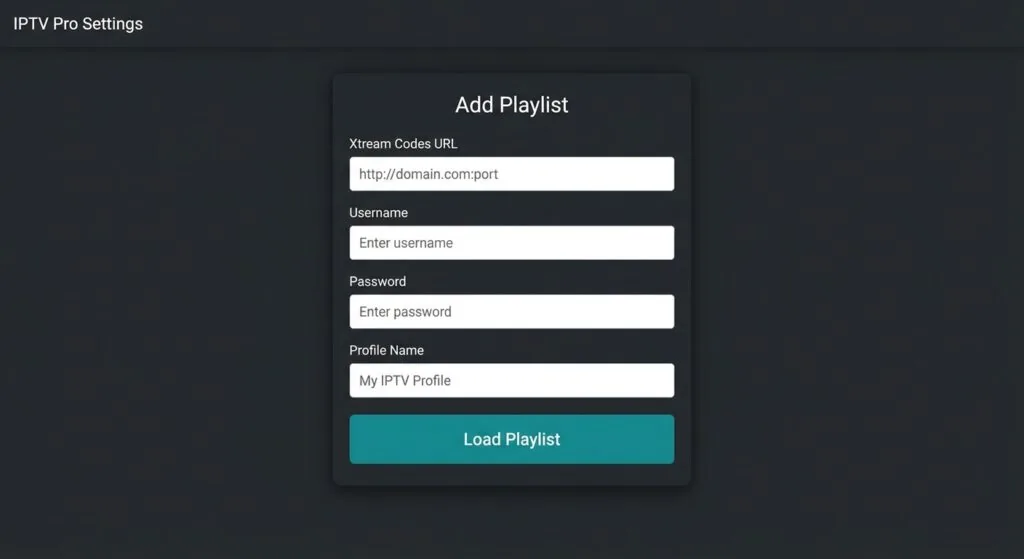
- Open the app and select your login method. On first launch you’ll see three options: “Login with Xtream Codes API,” “Load Your Playlist / Stream / Xtream URL,” or “Load Your Playlist through URL.” Pick whichever matches the credentials your provider sent you. Most modern providers send Xtream Codes credentials (a server URL, username, and password).
- Enter your credentials. For Xtream Codes, type in the server address (usually something like http://yourprovider.com:port), your username, and your password. Give the profile a nickname so you can identify it later if you add multiple subscriptions.
- Wait for the playlist to load. Depending on how large your provider’s channel list is and your internet speed, this can take anywhere from ten seconds to about a minute. A service with 58,000 channels takes noticeably longer to index than a lighter package.
- Browse and configure your favorites. Once loaded, navigate to Live TV. You’ll see channels organized by category. Spend a few minutes marking Finnish channels as favorites so they appear at the top of your list without having to scroll through the full catalog.
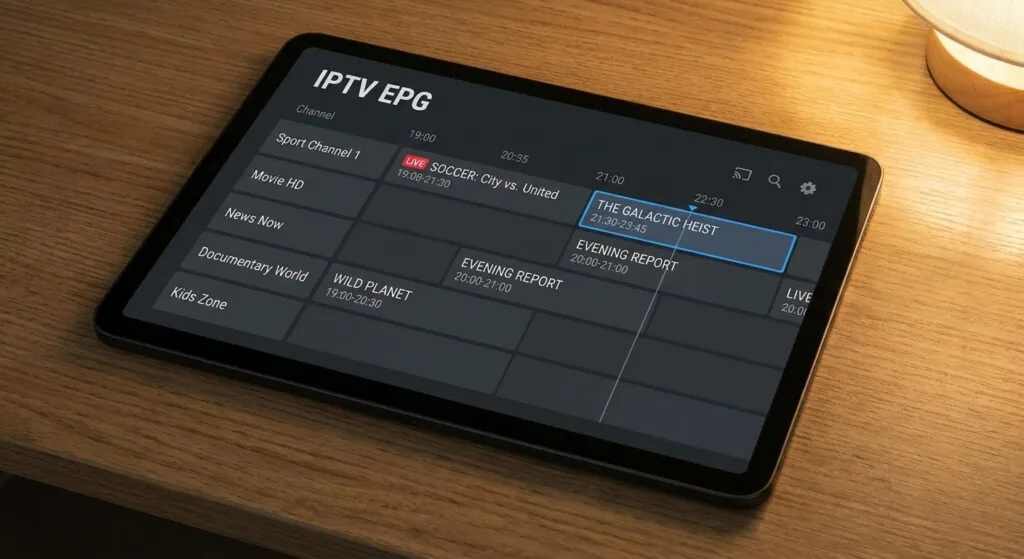
- Set up the EPG. If your provider supplies an XMLTV EPG URL, paste it into the EPG settings. This populates the program guide so you can see what’s on now and upcoming. Not all providers supply this, but the better ones do.
If you’re also curious about how set iptv compares as an alternative player app for Smart TVs, it’s a different approach to the same goal and worth a look if Smarters Pro doesn’t fit your specific TV model.
What to do if the playlist won’t load
Nine times out of ten, a failed load comes down to one of three things: a typo in the server URL, the wrong port number, or an expired subscription. Double-check the server address character by character. Providers sometimes use non-standard ports like 8080 or 25461, and missing that detail breaks authentication entirely. If credentials look correct, contact your provider’s support line before assuming the app is broken.
Key features worth knowing about
Beyond basic channel playback, iptv pro apps pack a set of features that most people don’t discover until they’ve been using the app for a few weeks. Some of these are genuinely useful; others are more situational.
Catch-up and time-shifting
Catch-up lets you watch programs that aired in the past, typically within a 7-day window, provided your IPTV provider supports it. Not every provider enables this feature even if the app supports it technically, so it’s worth asking before subscribing. Time-shifting is the live version of the same idea: pause a live broadcast and resume from the same point later.
Multi-screen and parental controls
Some subscription tiers allow simultaneous streams on multiple devices. The app handles this through profile management, though the actual number of simultaneous connections is enforced server-side by the provider, not the app. Parental controls let you lock specific categories behind a PIN, which matters if you’ve got children watching on a shared device.
External player support
You can route playback through an external player like VLC or MX Player if the built-in decoder struggles with a particular stream format. This saved me once when a provider’s HEVC-encoded channels stuttered on the internal player but played smoothly through VLC. It’s a niche workaround, but it’s there when you need it.
- Supported stream formats: HLS (M3U8), MPEG-TS, RTMP, and most Xtream Codes-compatible formats
- EPG support: XMLTV format, either via URL or manually imported file
- VOD organization: Separate sections for movies and series, with cover art pulled from provider metadata
- Multiple profiles: Add more than one IPTV subscription to a single app installation and switch between them
- Screen ratio controls: Stretch, fit, or crop the video to handle broadcasters using different aspect ratios
“IPTV subscriber numbers in Europe are expected to exceed 100 million by 2026, driven largely by cord-cutting in Nordic countries where broadband penetration already exceeds 90 percent.” (according to a 2024 Statista report on European IPTV subscribers)
Choosing the right IPTV subscription for Finland
Here’s where the real decision lives. The app is just a container. What you actually watch depends on your subscription, and not all providers are equally good for viewers in Finland specifically.
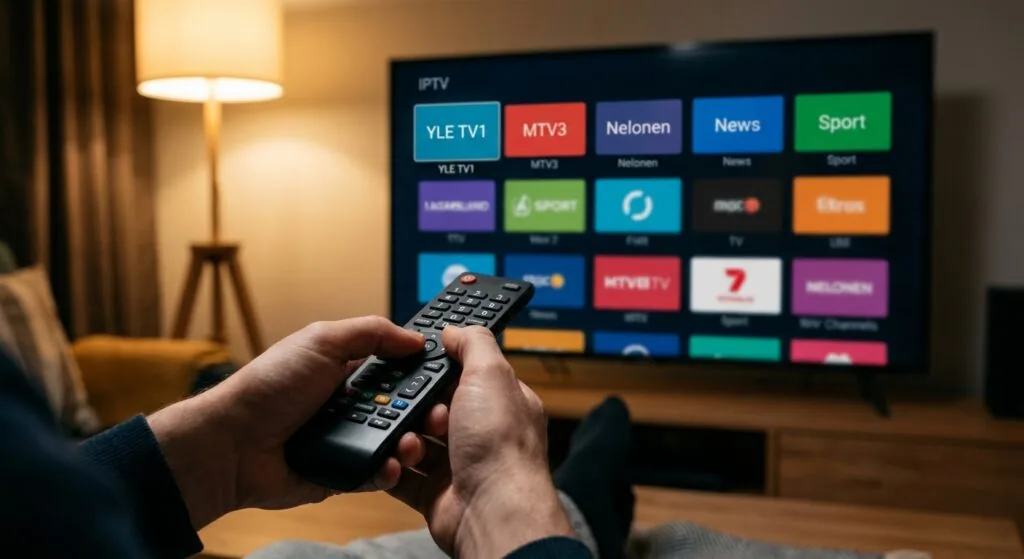
Finnish viewers have particular needs that generic international IPTV packages often ignore: YLE channels, MTV3, Nelonen, and regional Finnish content. Swedish-language channels matter too if you’re in the Ostrobothnia region or Helsinki’s Swedish-speaking communities. And given Finland’s northern latitude, server latency from providers hosted in central Europe can cause buffering spikes during peak hours that wouldn’t affect a viewer in, say, Amsterdam.
After testing several providers over the past year, the one I’d point Finnish users toward is iptv subscription. The channel catalog covers Finnish national and regional channels alongside Nordic content, the server infrastructure is solid enough that I didn’t see significant buffering during the Euro 2024 football matches (which are the stress test for any IPTV provider), and the pricing is transparent rather than hidden behind “contact us for a quote” gatekeeping.
If you’re curious about what a Nordic-focused package actually contains, the breakdown at nordic one iptv gives you a clear sense of what channel counts look like in practice for the Scandinavian and Finnish market.
What to look for in any Finnish IPTV provider
- Finnish and Nordic channel coverage: Confirm YLE, MTV3, Nelonen, and C More Finland are in the catalog before subscribing
- Server location: Providers with servers in or near Scandinavia deliver better ping times from Helsinki or Tampere than servers based in the Netherlands or US
- Simultaneous connections: A family of four needs at least 2-3 simultaneous streams; confirm this is included or available as an add-on
- Free trial: Any reputable provider offers at least a 24-48 hour trial period. Walk away from anyone who won’t let you test before paying
- Customer support in accessible hours: Finnish time is UTC+2 or UTC+3 (summer). A support team that only operates on US Pacific time is essentially unavailable to you during prime viewing hours
Pricing across the market generally runs between 10 and 25 euros per month for a decent package. For a more detailed breakdown of what different tiers cost and what you get at each level, the iptv hinta guide covers the Finnish market specifically.
One quick note on legality for Finnish readers: using an IPTV player app is entirely legal. Subscribing to a service that redistributes copyrighted broadcast content without proper licensing is not. Finland’s copyright law (Tekijänoikeuslaki) applies here the same way it does in the rest of the EU. Licensed services exist; they’re worth using.
Common problems and how to fix them
No software is perfect, and iptv pro apps have a specific failure mode catalog worth knowing before you spend an evening troubleshooting something that has a three-step fix.
Buffering and stream freezes
Buffering is the complaint I hear most often, and it usually comes from one of two places: insufficient internet speed or server-side congestion at the provider. IPTV streams in HD typically need 10-15 Mbps per stream, and 4K streams can demand 25-40 Mbps. Run a speed test at speedtest.net. If your connection is comfortably above those numbers and you’re still buffering, the issue is the provider’s server load, not your connection.
A practical workaround: switch from HLS to TS streaming if your provider offers the option. HLS uses adaptive bitrate streaming, which sounds helpful but can actually cause micro-stutters on stable connections because the app constantly renegotiates the quality level. A fixed-bitrate TS stream is often smoother if your connection speed is steady.
EPG not loading or showing wrong times
EPG timezone mismatches are surprisingly common. The XMLTV data your provider supplies might be timestamped in UTC while your device’s local time is set to Helsinki (EET, UTC+2 or UTC+3 in summer). Go into the app’s EPG settings and check whether there’s a timezone offset option. Shifting by +2 or +3 hours usually fixes “the guide shows programs two hours off” complaints instantly.
App crashing on launch
This almost always traces back to a corrupted cache from an interrupted update. On Android, go to Settings > Apps > IPTV Smarters Pro > Storage and clear both cache and data. The app will reset to its initial state, requiring you to re-enter your subscription credentials, but it fixes the crash in about 90% of cases. I haven’t tested this on LG webOS or Tizen-based Samsung TVs since I don’t have those platforms in my current setup, so your mileage may vary there.
Channels showing but not playing
If channels appear in the list but clicking them gives a black screen or an error code, the most likely cause is that specific channel’s stream URL has changed on the provider’s server. The fix is to refresh your playlist. In Smarters Pro, go to your profile settings and hit “Reload All.” If specific channels remain broken after a reload, report them to your provider’s support team since it’s a server-side issue they need to fix.
There are also good dedicated guides for specific iptv sovellus setups that walk through platform-specific quirks worth reading if you’re on a less common device.
Frequently Asked Questions
What is iptv pro and how does it work?
iptv pro refers to a group of IPTV player applications, most prominently IPTV Smarters Pro, that stream live TV and video-on-demand content from external subscription providers. The app connects to your provider’s server using M3U playlist URLs or Xtream Codes credentials and displays the content through an organized interface with EPG support.
Is iptv pro legal to use in Finland?
The player app itself is legal software distributed through official app stores. Legality depends on the subscription service you connect to it. Licensed IPTV services that hold proper broadcast rights are legal in Finland. Unauthorized redistribution of copyrighted content violates Finnish copyright law (Tekijänoikeuslaki) and EU regulations, so choose licensed providers.
Is IPTV Smarters Pro completely free?
The IPTV Smarters Pro app is free to download and install. You don’t pay for the player itself. You do need a paid IPTV subscription from a content provider to actually access channels. Some providers offer 24-48 hour free trials so you can test stream quality before committing to a monthly or annual plan.
Which devices support iptv pro apps?
IPTV Smarters Pro runs on Android phones and tablets, Android TV, Amazon Fire TV and Fire Stick, iPhone and iPad, Apple TV, Windows 10 and 11 via the Microsoft Store, and Roku devices via the Roku Channel Store. MAG set-top boxes use a different but compatible interface based on MAC address authentication.
How much internet speed do I need for iptv pro to work properly?
HD streams typically need 10-15 Mbps per simultaneous stream. Full HD at 1080p runs comfortably on 15-20 Mbps, and 4K streams need roughly 25-40 Mbps. Finnish broadband averages well above these thresholds in most urban areas, but check that your home Wi-Fi isn’t the bottleneck, especially on older routers.
Conclusion
iptv pro apps, particularly IPTV Smarters Pro, are genuinely capable tools for anyone who wants flexible, affordable access to a large channel catalog without being locked into a cable contract. The setup is fast, the device compatibility is broad, and the feature set covers everything from live TV to catch-up to full VOD libraries. The player is only as good as the subscription behind it, though, which is why choosing the right provider matters as much as choosing the right app.
For viewers in Finland specifically, I’d recommend starting with iptv subscription. The Finnish and Nordic channel coverage is solid, server performance holds up during peak sports events, and the pricing is straightforward. Visit their site, take advantage of the trial period, and see whether it covers the channels your household actually watches before committing to anything longer-term.
Also worth checking is the iptv elisa guide if you’re comparing against traditional Finnish telecom-bundled IPTV options before making a final call.