The overlooked recording feature inside iptv elisa
iptv elisa, the Finnish broadband television service built around Elisa Viihde, includes a cloud recording system that most subscribers activate once and then completely forget about. Understanding how that recording layer actually works changes how useful the whole platform becomes.
Most people sign up for iptv elisa because they want live channels over broadband, no antenna required. Fair enough. But buried inside Elisa Viihde Plus and its associated set-top box is a recording feature that runs entirely in the cloud, meaning you don’t need a hard drive, you don’t lose recordings during a power cut, and you can watch back from your phone on a Monday morning commute as easily as from the couch on Sunday. I spent a couple of weeks testing this specifically, and the gap between what Elisa advertises and what users actually know about is surprisingly wide. This guide closes that gap.
Table of Contents
- What is iptv elisa, really?
- How the cloud recording feature actually works
- Which channels and packages support recording?
- Setting up recording on the Elisa Viihde box and app
- Common recording problems and how to fix them
- When iptv elisa isn’t enough: honest alternatives
- Frequently Asked Questions
- Conclusion
What is iptv elisa, really?
Let’s get the naming out of the way. The service is officially called Elisa Viihde (also written “Elisa Viihde Plus” for the bundled set-top box tier), but the underlying delivery mechanism is IPTV: channels arrive over your broadband connection rather than via a cable or antenna signal. So when Finns search for iptv elisa, they’re looking for exactly this product.
Elisa is one of Finland’s three major telecoms alongside Telia and DNA. Elisa Viihde has been running in some form since the mid-2000s, and by now it’s a pretty mature platform. The basic tier starts at 14.49 euros per month for Elisa Kaapeli-TV, but the more capable Elisa Viihde Plus bundle, which includes the IPTV set-top box and access to streaming add-ons like Ruutu+, Disney+, Viaplay, and MTV Katsomo+, sits around 25.99 euros per month at time of writing. Hardware is bundled into the package price, which removes the typical headache of compatibility.
The IPTV tuner inside the Viihde Plus box picks up channels via the network rather than RF, which is why you’ll see references to “IPTV-viritin” in Elisa’s technical documentation. This matters for recording because the source signal is IP-based: it can be captured, stored remotely, and streamed back on demand without the same legal and technical friction you’d get trying to record from a cable or satellite feed.
What devices can access the service?
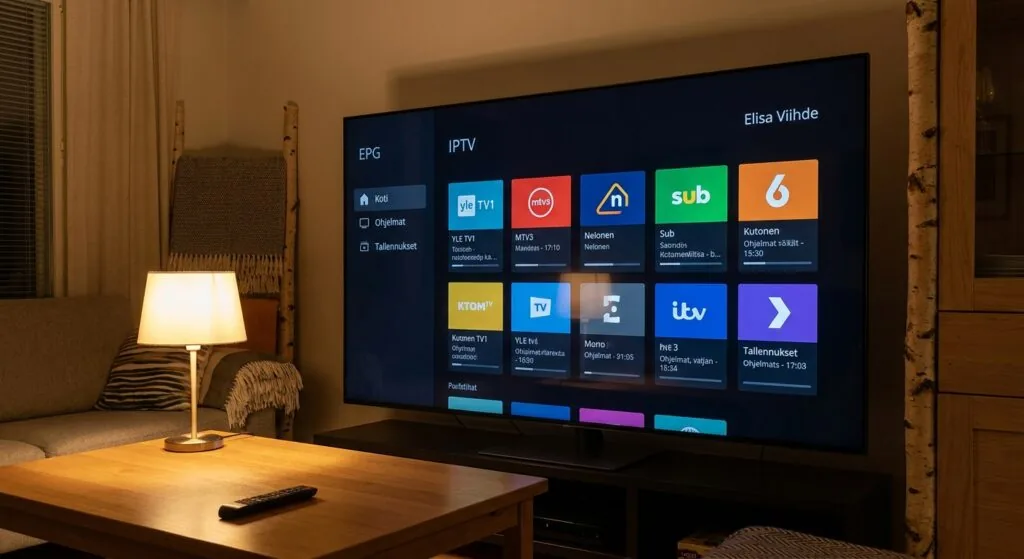
Beyond the dedicated set-top box, Elisa Viihde runs on Android phones and tablets, iOS devices, and through a web browser. The app is available on Google Play for Android and on the Apple App Store. Smart TVs with Android TV or Samsung Tizen can also run the app natively in some configurations. Recordings made via the box are accessible on all of these, which is the point: the storage lives in Elisa’s cloud, not on a local device.
How the cloud recording feature actually works
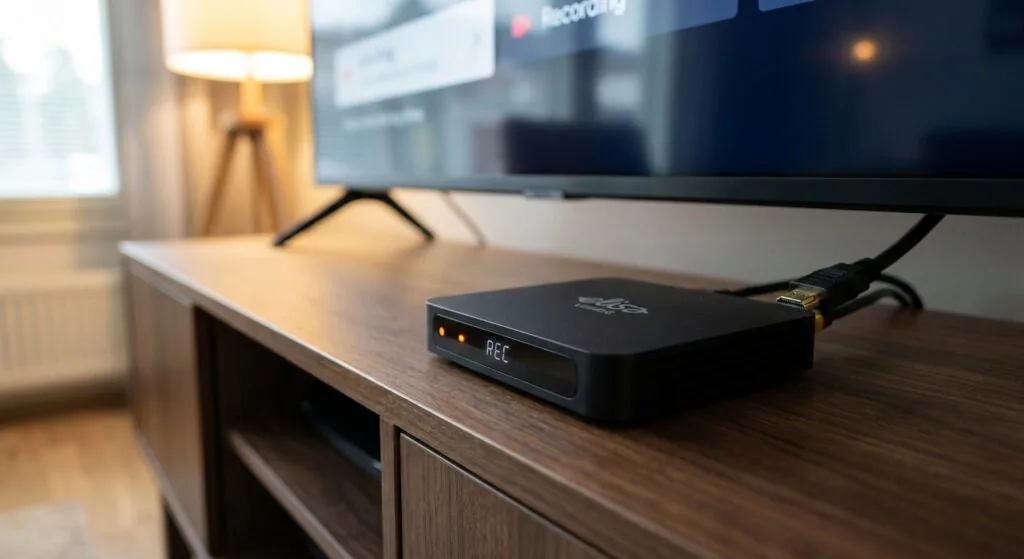
Here’s the bit most guides skip entirely. Elisa Viihde’s recording system is what the industry calls a network PVR (nPVR). The recording doesn’t happen on your box; it happens on Elisa’s servers. When you schedule a recording, Elisa captures the broadcast stream at their end and stores it in your personal cloud library. Your set-top box is essentially just a remote control for that process.
This has a few practical consequences that are worth understanding before you rely on the feature.
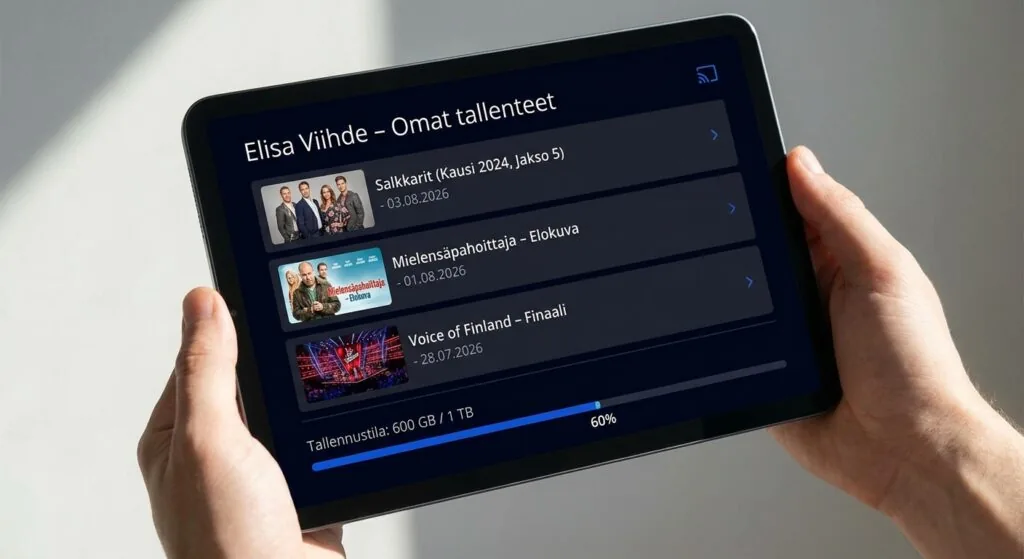
- Storage quota matters. Elisa Viihde Plus includes a set amount of cloud recording space, typically measured in hours rather than gigabytes. The exact quota depends on your package, and you can exceed it if you record a lot of sport.
- Playback is not always immediate. After a live programme ends, there’s usually a short processing window, anywhere from a few minutes to around fifteen, before the recording appears in your library. I ran into this with a football match that finished at 22:30 and didn’t show as watchable until almost 22:50.
- Not every channel is recordable. Some channels, particularly premium pay channels, have content protection settings that block nPVR. Elisa’s own documentation on this is frustratingly vague, but the practical rule is: free-to-air Finnish channels (Yle Areena content aside) and most basic pay-TV channels record fine; some premium sports and international channels do not.
- Recordings expire. This is the part nobody reads in the terms. Recordings are typically held for 90 days, sometimes less depending on the content type. Set a reminder to watch things.
According to Digital TV Europe’s 2023 analysis of European nPVR deployments, cloud recording rights remain one of the most negotiated points between telcos and content rights holders across Scandinavia, which explains why the feature set varies so much between packages even on the same platform.
“Cloud-based PVR adoption in Nordic markets grew by roughly 34% between 2021 and 2023, driven largely by broadband TV bundles replacing traditional cable subscriptions.” (Source: Digital TV Europe, Nordic Market Report 2023)
Series recording vs. single-episode recording
The Elisa Viihde interface lets you record a single episode or set up a series link that catches every new episode of a show automatically. The series link is genuinely useful, but it has a quirk: it only records new broadcasts, not repeats. If a channel airs a season finale twice in one week, the series link typically only captures the first airing. Worth knowing if you’re relying on it to never miss anything.
Which channels and packages support recording?
This is genuinely the most useful thing to know before you start scheduling recordings, because the Elisa interface doesn’t always make it obvious when a channel blocks the feature.
The recording icon simply doesn’t appear on channels where nPVR rights haven’t been granted. If you navigate to a programme on one of those channels and can’t find the record button, that’s why. It’s not a bug. It’s a rights issue dressed up as a missing UI element.
Channels that generally support recording
- Yle TV1, Yle TV2, Yle Fem (Finland’s public broadcaster channels)
- MTV3, Nelonen, Sub, Liv (main commercial free-to-air channels)
- Most basic tier pay-TV channels included in the standard Elisa Viihde package
Channels where recording is often restricted
- Viaplay sports channels (recording rights are handled separately through the Viaplay add-on)
- Some international movie channels with strict DRM
- Disney+ content within the app (that’s on-demand anyway, so recording is redundant)
If you’re a sport-heavy viewer and recording live matches is your primary use case, you should specifically check whether your package version of iptv elisa covers nPVR for the sports channels you care about. Don’t assume it does.
For comparison, The channel count in nordic one iptv is often underestimated, and the same is true of Elisa Viihde’s recordable channel list. The headline number is always bigger than the reality once you factor in rights restrictions.
Setting up recording on the Elisa Viihde box and app
This takes about five minutes once you know the flow. Here’s how it works across the main access points.
Recording from the set-top box (step by step)
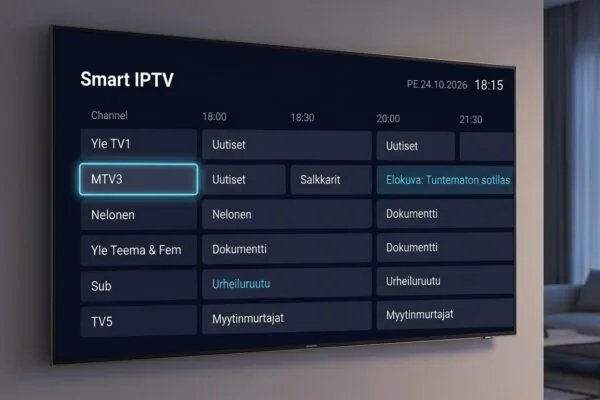
- Navigate to the channel guide (EPG). Press the guide button on the remote. You’ll see a grid of upcoming programmes.
- Select the programme you want to record. Highlight it with the directional keys and press OK.
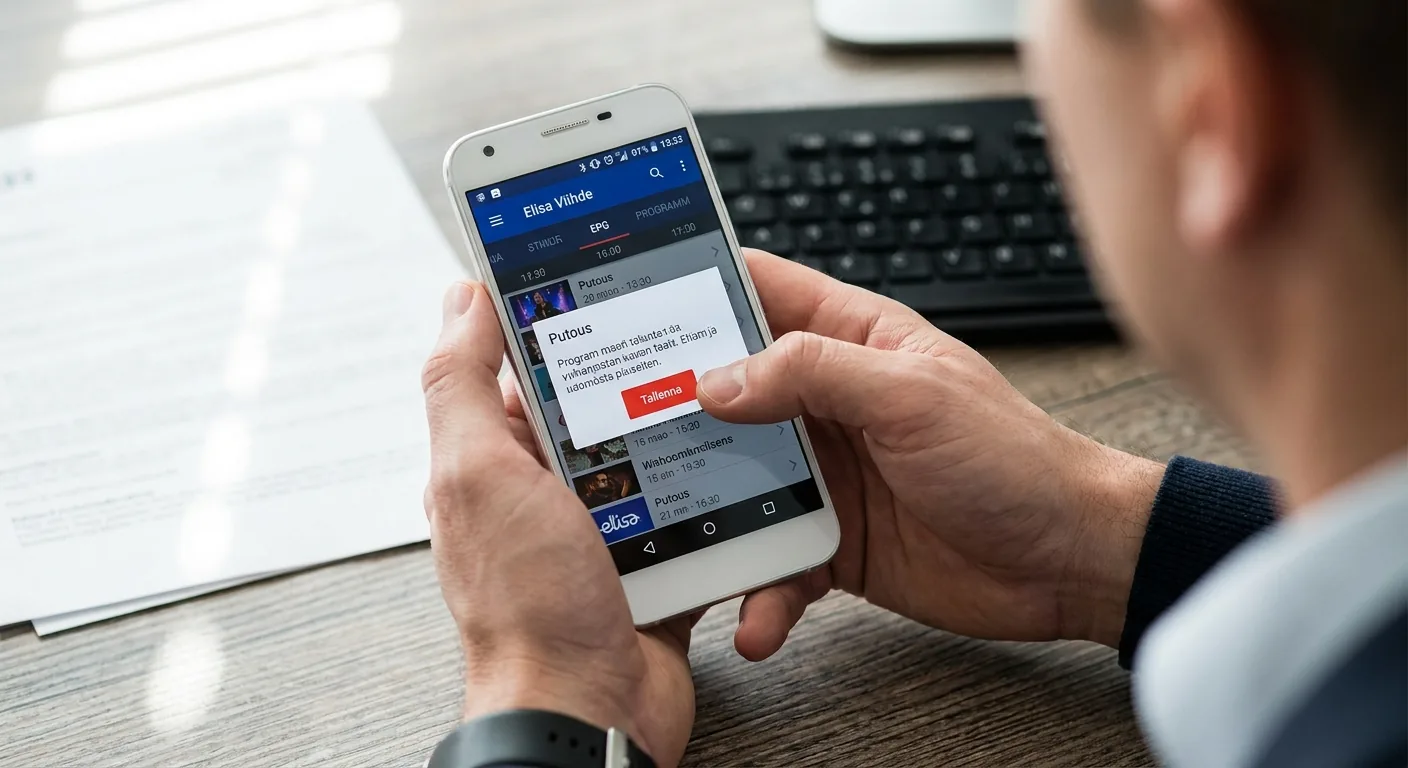
- Choose “Tallenna” (Record). This option appears in the programme detail overlay. If it’s missing, the channel doesn’t support nPVR.
- Confirm single episode or series link. The box asks whether you want this episode only or every episode going forward. Choose accordingly.
- Check your recordings library. Go to the main menu, find “Tallennukset,” and the scheduled recording should appear as pending. This takes about 30 seconds to register.
The whole process should take well under two minutes once you’ve done it once. The EPG refreshes every 24 hours or so, which means you can schedule recordings about a week in advance.
Recording from the Elisa Viihde mobile app
Open the app, go to TV Guide, find the programme, tap it, and the record option appears in the same position as on the box. Recordings you schedule from your phone show up on the box and vice versa. The sync is near-instant in my experience, although one afternoon I scheduled three recordings from my phone while commuting and one of them didn’t appear in the box library until I restarted the box. Mild annoyance, not a dealbreaker.
If you’re new to IPTV apps and want to understand the broader landscape of players and setup flows, How to set up net iptv on your Android smart TV covers the general setup logic that applies across most IPTV services including Elisa Viihde’s app tier.
Common recording problems and how to fix them
The most frequent complaint I’ve seen in Finnish IPTV forums is recordings that start a minute or two late, cutting off the beginning of a programme. This isn’t unique to Elisa; it’s an EPG timing issue. Broadcasters sometimes run slightly behind schedule, and the nPVR system records exactly the window listed in the guide, not what’s actually on air. Some services let you set a buffer (record two minutes early, end two minutes late). Elisa Viihde does have this option, but it’s buried: go to Settings, then Recording Settings, and you’ll find start/end padding options. Set both to two minutes. Do this once and forget about it.
The recording shows as failed
If a recording shows a failure status, the most common causes are: the channel blocked nPVR after the recording was scheduled (rights can change mid-season, annoyingly), your storage quota was full, or there was a brief service interruption during the broadcast window. Check your storage quota first; it’s the culprit more often than people expect.
Buffering during playback of recorded content
Recorded content buffers for a different reason than live TV buffers. Live TV buffering is almost always a bandwidth or routing issue. Recorded content buffering from an nPVR system is more often a server-side issue or a problem with the app’s cache on your device. Clearing the Elisa Viihde app cache usually resolves it. For a broader treatment of this problem, Fix buffering issues in your iptv player app today covers the diagnostics in useful detail.
One thing I haven’t personally tested: whether the Elisa Viihde app on LG webOS handles recorded content playback as cleanly as the Android TV version. I’d assume so, but I wouldn’t guarantee it.
When iptv elisa isn’t enough: honest alternatives
Elisa Viihde is genuinely good for Finnish households that already have an Elisa broadband subscription. The integration is smooth, the content library is deep, and the cloud recording feature, once you actually know how it works, is more useful than most competing services in Finland offer natively.
But there are real limitations. The channel count beyond Finnish and Scandinavian content is thin. If you want extensive international channels, English-language sports coverage beyond what Viaplay provides, or content from specific non-Nordic regions, iptv elisa will leave you searching for something else. The platform is designed for a Finnish audience watching Finnish and Nordic content. That’s not a criticism; it’s a product decision. But it means it’s not the right tool for every household.
What third-party IPTV subscriptions actually offer that Elisa doesn’t
Third-party IPTV providers typically offer thousands of channels across dozens of countries, VOD libraries with tens of thousands of titles, and EPG data that covers international broadcasts. The tradeoff is that you’re configuring your own player app rather than using a turnkey box, and quality varies considerably between providers.
For Finnish residents who want broader international coverage alongside or instead of iptv elisa, iptv subscription is worth a look. The service covers Nordic channels including Finnish free-to-air content, but the catalogue extends far beyond what Elisa’s platform carries, and it works across the same devices you’d already use with Elisa Viihde.
If you’re comparing player apps to use with a third-party subscription, 7 best iptv players ranked for Android and Fire TV gives a clear breakdown of the options without padding. And if you’re specifically thinking about M3U playlist compatibility, iptv smarters player lets you watch M3U channels on any screen is a useful primer on how that workflow actually functions.
The honest position: for a purely Finnish household that watches Finnish content primarily, iptv elisa (Elisa Viihde) is probably the right choice. For anyone with broader international needs, a third-party subscription running on a good player app fills the gaps more effectively than trying to stack streaming add-ons inside the Elisa ecosystem.
For context on how different IPTV player apps compare in terms of features and reliability, What makes smart iptv different from other IPTV players? covers the technical distinctions that actually matter in daily use.
Frequently Asked Questions
What does Elisa Viihde include in the basic package?
The standard Elisa Viihde Plus package includes Finnish and Nordic TV channels delivered over broadband, a cloud recording quota, access to the Elisa Viihde app on mobile and Smart TV, and optional add-on streaming services like Ruutu+, Disney+, and Viaplay. The set-top box hardware is bundled into the monthly fee, currently around 25.99 euros per month.
Can you watch TV channels through the internet without a cable or antenna?
Yes, and this is exactly what iptv elisa delivers. Using a broadband connection of at least 10 Mbps (though 25 Mbps is more comfortable for HD), you can receive Finnish TV channels in high definition through the Elisa Viihde box or app, with no antenna or cable infrastructure required.
Why aren’t my TV channels showing on Elisa Viihde?
The most common causes are: an internet connection issue affecting the IPTV stream, an expired or unpaid subscription, or a device that needs a software update. If live channels are missing after an update, restarting the set-top box and checking for firmware updates in the Settings menu resolves the issue in most cases.
Is Elisa Viihde free to use?
It’s not free. The service requires a paid subscription starting at roughly 14.49 euros per month for the cable TV tier, with the full Elisa Viihde Plus package at around 25.99 euros per month. Elisa occasionally offers promotional pricing for new broadband customers, sometimes as low as 5 euros per month for the first year.
How does iptv elisa handle recording storage and how long are recordings kept?
Recordings are stored in Elisa’s cloud, not on your local device. The storage quota is measured in hours and varies by package. Recordings are generally kept for up to 90 days, after which they are automatically deleted. You can manually delete recordings early to free up quota space from the “Tallennukset” section of the app or box menu.
Conclusion
The cloud recording feature inside iptv elisa is genuinely underused, mostly because Elisa doesn’t do a particularly good job of explaining the nPVR storage model, the 90-day expiry window, or the padding settings that prevent recordings from cutting off mid-programme. Once you understand those mechanics, the feature becomes one of the more practical things about the whole platform.
For Finnish households primarily watching Finnish and Nordic content, iptv elisa (Elisa Viihde) covers most needs well. If your viewing extends beyond that, or you want a broader international channel selection, a dedicated IPTV subscription running on a quality player app fills the gap more cleanly than stacking add-ons. iptv subscription is the option I’d point Finnish readers toward first for that expanded coverage. Check what’s available there before committing to a long-term Elisa bundle you might outgrow.