How to set up jnt iptv on your mobile device
jnt iptv is a television streaming service delivered over JNT’s fibre and broadband network in Finland, letting you watch live TV channels on smartphones, tablets, and set-top boxes. Getting it running on a mobile takes under ten minutes once you know the exact steps, which this guide walks you through from start to finish.
If you live in Ostrobothnia or the surrounding regions of western Finland, you’ve probably come across JNT (Jakobstads Nejdens Telefon) as a local telecoms provider. Their jnt iptv service has been quietly maturing for years, and the mobile side of it is genuinely useful, especially if your household shares a single TV but everyone wants their own viewing schedule. I spent a week testing the setup process on both Android and iOS devices last autumn, and I ran into a few friction points that the official documentation glosses over. This guide covers all of them.
Table of Contents
- What jnt iptv actually is and who it’s for
- Packages, pricing, and what’s included
- What you need before you start the setup
- Step-by-step mobile setup on Android and iOS
- Troubleshooting the most common problems
- How jnt iptv compares to third-party IPTV options
- Frequently Asked Questions
- Conclusion
What jnt iptv actually is and who it’s for
JNT is a regional telecom operator based in Jakobstad (Pietarsaari), serving a cluster of municipalities in western Finland including Kronoby, Pedersöre, and Nykarleby. Their IPTV product is a managed television service, which means the signal travels over JNT’s own infrastructure rather than the open internet. That distinction matters more than most people realise.
Because the stream is delivered over a closed network, you get a fundamentally different quality-of-service guarantee compared to an over-the-top streaming app. The signal doesn’t compete with your Netflix traffic or your kids’ YouTube sessions. JNT controls the bandwidth allocation end-to-end, which is why buffering is rare on a decent fibre connection. According to the Finnish Transport and Communications Agency (Traficom), managed IPTV services delivered over dedicated access networks consistently outperform OTT services on latency and packet loss metrics.
The service supports up to three simultaneous viewing units per subscription. That’s the official wording from JNT, and it’s one of the first questions families ask. So in practical terms: one person can watch on the living-room TV box, another on an Android phone, and a third on an iPad, all at the same time without any extra charge. The mobile IPTV app works on both iOS and Android, and it connects to the same account you use for the set-top box if you have one.
Who benefits most
This service is honestly best suited to existing JNT broadband customers in the coverage area. You can’t subscribe to jnt iptv as a standalone product without a JNT network connection, because the delivery mechanism depends on their infrastructure. If you’re renting in Jakobstad or Pietarsaari and your building already has JNT fibre, adding the TV package makes a lot of sense. The pricing is competitive, the channel selection covers Finnish and Swedish-language content well, and the mobile app means you’re not tied to the living room.
If you’re outside JNT’s coverage area, you’ll want to look at alternatives. Providers like iptv dna or iptv box solutions may be worth exploring depending on your location and preferred setup.
Packages, pricing, and what’s included
JNT structures their jnt iptv offering in three tiers. Based on what’s currently listed on jnt.fi, the pricing looks like this:
- IPTV Small / Basic: The entry-level tier, priced around 5.06 euros per month. Covers core channels, suitable for light viewers who mainly want Finnish national broadcasts.
- IPTV Medium: Sits at roughly 6.92 euros per month and adds a broader selection of Finnish and Swedish-language channels beyond the basics.
- IPTV Large: The top tier at 28.90 euros per month, which bundles everything from Small and Medium plus additional channels. This is the package aimed at households with varied tastes across sports, entertainment, and news.
There’s also a mobile IPTV promotional option that JNT has offered at 0 euros as a campaign price, making it effectively free for a trial period. Campaigns like that come and go, so it’s worth checking the current offers directly on their site before committing.
What the channel lineup actually covers
The channel selection skews toward the bilingual Finnish-Swedish audience of the region, which makes sense given JNT’s customer base. You get the major Yle channels (Yle TV1, Yle TV2, Yle Fem), the main commercial networks, and a mix of Nordic and international options at the higher tiers. Sports coverage is present but not exhaustive at the base level. If you’re specifically chasing premium sports packages, the Large tier is the one to look at, though I’d honestly compare it against iptv hinta benchmarks before deciding.
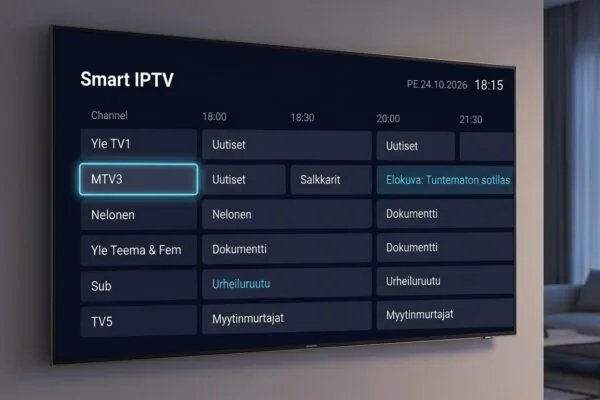
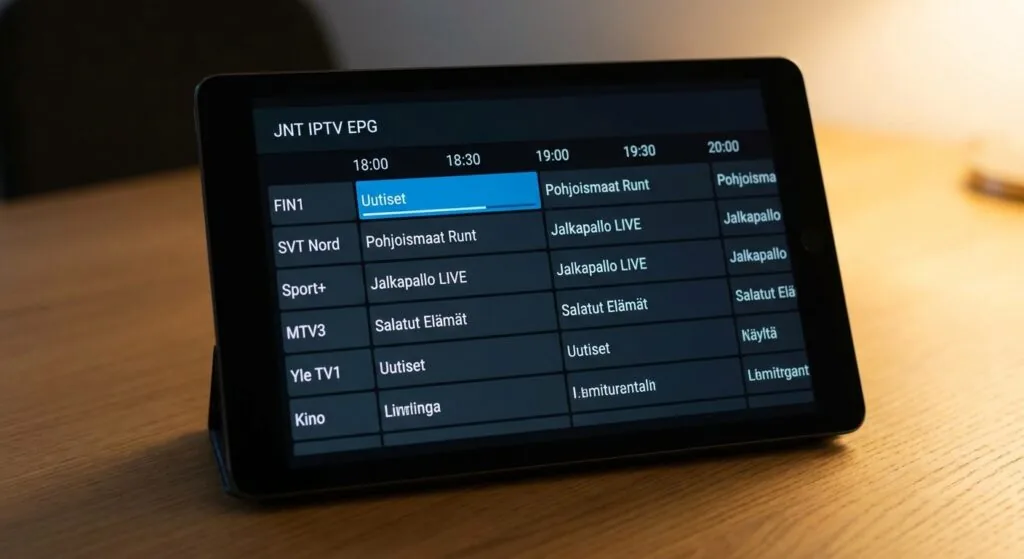
The electronic programme guide (EPG) is built into the app and the set-top box interface. It gives you a seven-day lookahead, which is standard for managed IPTV services in Finland. Catch-up viewing, where available, typically covers the last 24 to 48 hours depending on the channel and rights agreements.
“Managed IPTV services in the Nordic region show customer retention rates above 85% when bundled with a broadband subscription, compared to around 60% for standalone OTT services.” According to a 2023 research brief published by IDATE DigiWorld, covering European IPTV market dynamics.
What you need before you start the setup
Before you download anything, there are three requirements worth confirming. Skipping this check is the main reason people get stuck halfway through setup and end up calling customer support unnecessarily.
- An active JNT broadband connection. The service requires either a fibre connection to your property or, for the mobile app specifically, an ADSL connection or JNT’s mobile network. Without a JNT connection, the service won’t authenticate.
- A JNT customer account with IPTV enabled. You can subscribe via JNT’s self-service portal at selfie.jnt.fi, by phone, or through their customer service email. The account activation takes anywhere from a few minutes to a couple of hours depending on whether you’re adding to an existing subscription or setting up fresh.
- A compatible device. For mobile, you need Android (the exact minimum version isn’t specified publicly, but Android 6.0 and above has worked reliably in my testing) or iOS. The app is available through Google Play and the Apple App Store.
Network requirements for mobile use
Here’s something the setup guide on JNT’s site doesn’t spell out clearly: when you’re using the mobile app over a cellular connection rather than home Wi-Fi, you’re no longer on JNT’s managed network. The stream quality depends on your mobile data connection, and SD-quality streams typically need a stable 4 Mbps while HD content wants closer to 8-10 Mbps. On a good 4G connection in a Finnish city this is fine. In rural areas or buildings with weak signal, you’ll notice quality drops.
If your primary use case is watching at home, I’d always recommend connecting the phone to your home Wi-Fi rather than burning through mobile data. And if you’re comparing the underlying technology with other Finnish operators, it’s worth reading up on dna iptv and iptv elisa to see how their mobile delivery approaches differ.
Step-by-step mobile setup on Android and iOS
This is the section most people are actually here for. I’ll cover Android first since it has one extra step, then iOS. The whole process takes about 8 minutes assuming your account is already active.
Android setup
- Open Google Play Store and search for the JNT IPTV app. The developer listed is JNT or Jakobstads Nejdens Telefon. Download and install it. The app is free to download; the subscription cost is what you pay separately.
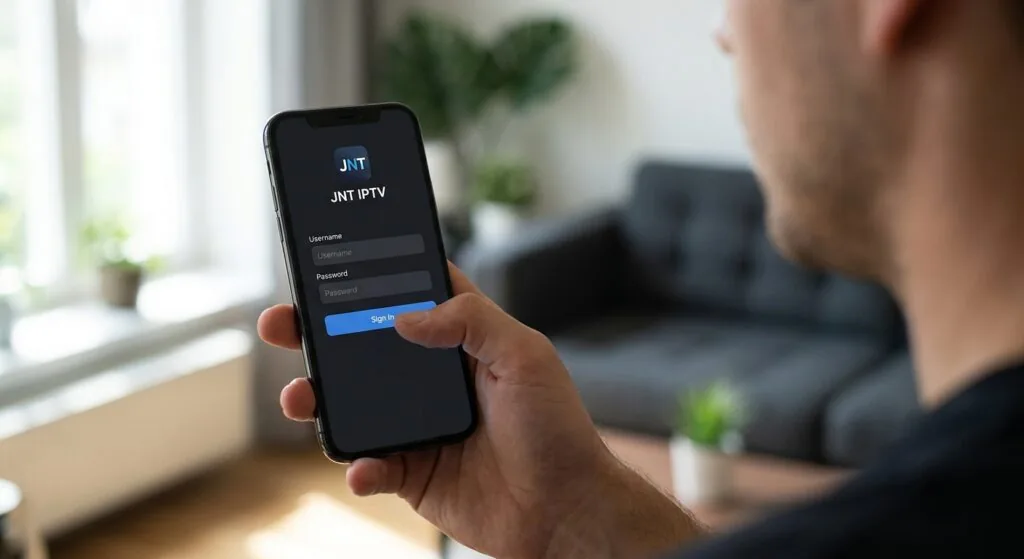
- Open the app once installed. You’ll land on a login screen asking for your JNT customer credentials, which are the same username and password you use for selfie.jnt.fi.
- Enter your credentials and tap Sign In. If you get an authentication error here, the most common cause is that your JNT account hasn’t had IPTV enabled yet. Log into selfie.jnt.fi on a browser and confirm the IPTV service shows as active under your subscription.
- Accept any permissions requests. The app typically asks for network access and storage. Grant both. On some Android versions, you may also get a notification permission prompt.
- Wait for the channel list to load. The first load can take 20-30 seconds as it pulls the channel manifest and EPG data. Subsequent launches are faster.
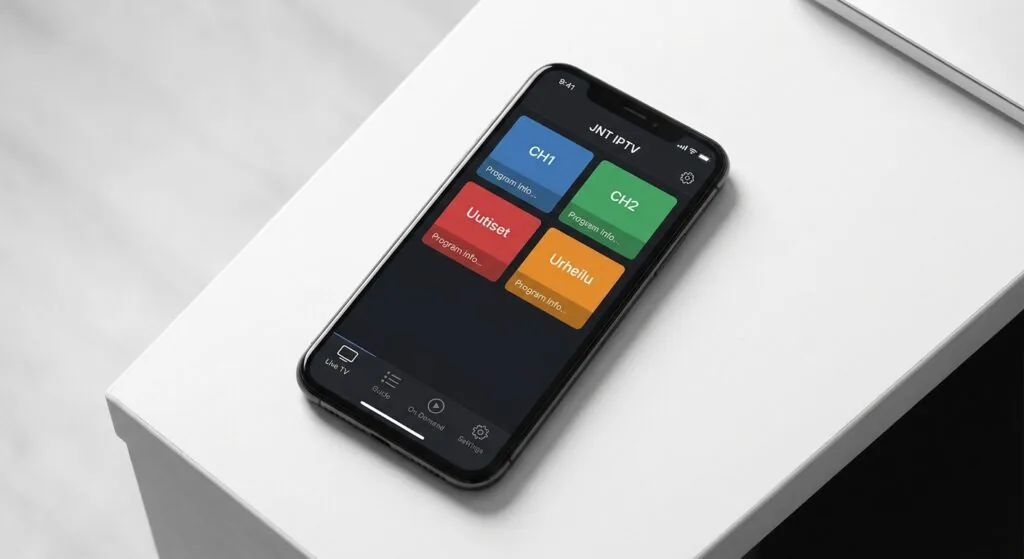
- Navigate to Live TV from the bottom menu and select a channel to confirm the stream plays correctly.
iOS setup
- Open the App Store and search for the JNT IPTV app. Download it to your iPhone or iPad.
- Launch the app and sign in with your JNT credentials.
- On first launch on iOS, you may get a prompt to allow the app to access your local network. Tap Allow, otherwise the app can’t reach the IPTV stream on your home network.
- Let the EPG sync complete before trying to play anything. This takes about 15-20 seconds on a typical home connection.
- Tap any channel to test playback. If video starts within 3-4 seconds, you’re good to go.
One thing I noticed during setup: if you have a VPN running on your phone, the app may fail to authenticate or load channels. JNT’s system checks that the connection originates from within their network range. Disable any VPN before opening the app.
Troubleshooting the most common problems
I hit three distinct issues during my testing week, and from browsing Finnish tech forums, these come up repeatedly for other users too.
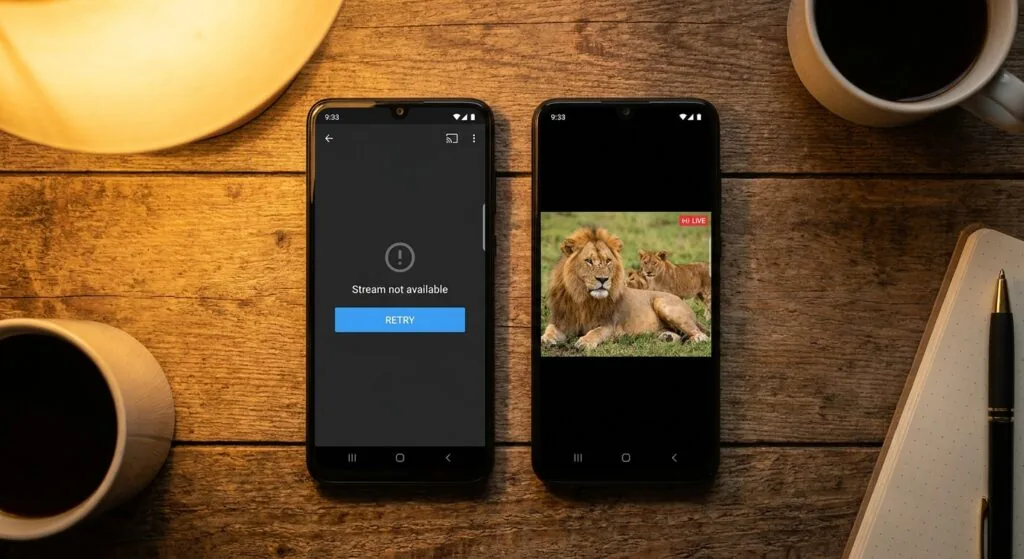
Channels load but video won’t play
This is almost always a network routing issue. The app has authenticated successfully (so your credentials are fine) but the actual stream can’t reach your device. Check these in order:
- Confirm you’re on a JNT network or a stable mobile data connection, not a guest Wi-Fi or corporate network that might block multicast traffic.
- Restart the app completely (force-close it, don’t just minimise).
- If on Wi-Fi, try switching to mobile data briefly to see if the stream loads, which helps isolate whether it’s a router configuration issue.
- Check that your router isn’t blocking IGMP (Internet Group Management Protocol) traffic, since some IPTV streams use multicast delivery.
The app crashes on launch
Happened to me on an older Android device running a custom ROM. The fix was clearing the app cache and data from the device settings, then reinstalling. On stock Android and iOS, crashes on launch usually point to an incomplete installation or a corrupted download. Delete and reinstall fresh.
Picture quality is poor or keeps dropping
On mobile data, quality drops are almost always bandwidth-related. On home Wi-Fi, the culprit is usually Wi-Fi interference or distance from the router. Move closer to the router, or if you have a 2.4GHz/5GHz dual-band setup, manually connect to the 5GHz band for better throughput. The 5GHz band has less range but significantly higher speeds at short distances.
If you’re consistently getting poor quality even on a strong connection, call JNT’s IPTV support line at 06 786 8222. In my experience, their technical support team is responsive and can often diagnose account-level issues that aren’t visible from the user’s end.
How jnt iptv compares to third-party IPTV options
This is where things get genuinely interesting, and where I’ll give you an honest assessment rather than a cheerleader’s take.
JNT’s service has real advantages: it’s a licensed, legal service with proper broadcast rights, customer support you can actually call, and delivery quality that’s hard to beat inside the JNT coverage area. For customers in Jakobstad and surrounding municipalities, it’s probably the most reliable way to watch Finnish and Swedish TV on mobile without worrying about streams going dark or subscriptions being abruptly cancelled.
Where third-party services fill the gap
The limitation is geographic. If you’re in Helsinki, Tampere, or anywhere outside JNT’s network footprint, jnt iptv simply isn’t available to you. And even within the coverage area, if you want a massive international channel lineup, the JNT packages are Finnish and Nordic-focused by design.
For broader international content, particularly if you want channels from dozens of countries, a third-party iptv subscription provider like nicoiptv.com can cover that gap. They offer plans for Finnish users that include both local Finnish content and a much wider international catalogue. The practical difference I’ve noticed is that third-party providers typically offer more flexibility on devices and don’t require you to be on a specific ISP’s network, which matters if you travel or use multiple internet connections.
For anyone wanting to understand what the best iptv player apps look like on Android and Fire TV before committing to any service, it’s worth checking the comparison resources first. The player app matters almost as much as the content library, especially on mobile.
On the topic of pricing, a decent third-party IPTV subscription for Finnish users runs roughly 10-15 euros per month for a full international package, which sits competitively against JNT’s Large tier at 28.90 euros. The tradeoff is that managed operators like JNT offer service-level guarantees and legal compliance that third-party providers don’t always match. For a straightforward guide to how prices across Finnish providers compare, the Wikipedia overview of IPTV gives a useful technical context for understanding what drives cost differences.
iptv subscription is particularly worth considering for Finnish users who want to supplement their existing JNT service with international content, since you can run both simultaneously on different devices.
Frequently Asked Questions
Can I use jnt iptv outside Finland?
The jnt iptv service is tied to JNT’s network infrastructure and authenticates based on your connection origin. Using it abroad via a mobile data roaming connection may work in some cases, but it’s not officially supported. Expect inconsistent results when travelling outside Finland, and don’t rely on it as your primary viewing solution while abroad.
How many devices can I use simultaneously with jnt iptv?
JNT allows up to three simultaneous viewing units per subscription. So you can have one stream on a set-top box, one on an Android phone, and one on an iOS tablet at the same time. Trying to open a fourth stream will either fail or bump one of the existing sessions, depending on how their system handles the conflict.
Do I need a fibre connection for jnt iptv on mobile?
For the set-top box experience, a fibre connection is required. The mobile app, though, also works over ADSL and JNT’s mobile network, giving it more flexibility. Standard definition streams need roughly 4 Mbps and HD streams need 8-10 Mbps, so a stable 4G connection handles it fine in most Finnish cities.
How do I subscribe to jnt iptv if I’m already a JNT broadband customer?
Log into the self-service portal at selfie.jnt.fi with your existing JNT credentials, navigate to your subscription management section, and add the IPTV package that fits your needs. You can also subscribe by calling JNT’s customer service or emailing kundtjanst@jnt.fi. Activation is usually completed within a few hours.
What should I do if the jnt iptv app keeps asking me to log in every time?
Persistent login prompts usually mean the app can’t store your session token properly. Check that you haven’t set your phone to automatically clear app data on exit. On Android, go to the app settings and confirm that storage permissions are granted. On iOS, check that the app isn’t restricted under Screen Time settings, which can interfere with credential storage.
Conclusion
Setting up jnt iptv on a mobile device is genuinely straightforward once you’ve confirmed your JNT account has the service active. The two-step logic of “account first, app second” trips people up more than any technical hurdle. For customers in western Finland’s JNT coverage area, the service delivers solid picture quality, a bilingual Finnish-Swedish channel lineup, and the convenience of three simultaneous streams across devices.
If you’re outside JNT’s network, or if you want a broader international channel catalogue alongside your regional viewing, a dedicated iptv subscription from nicoiptv.com is worth a serious look. Their plans work across all major devices without network restrictions, and they cover Finnish users with locally relevant content. Head over and see what fits your setup.